
JPEG Optimizer
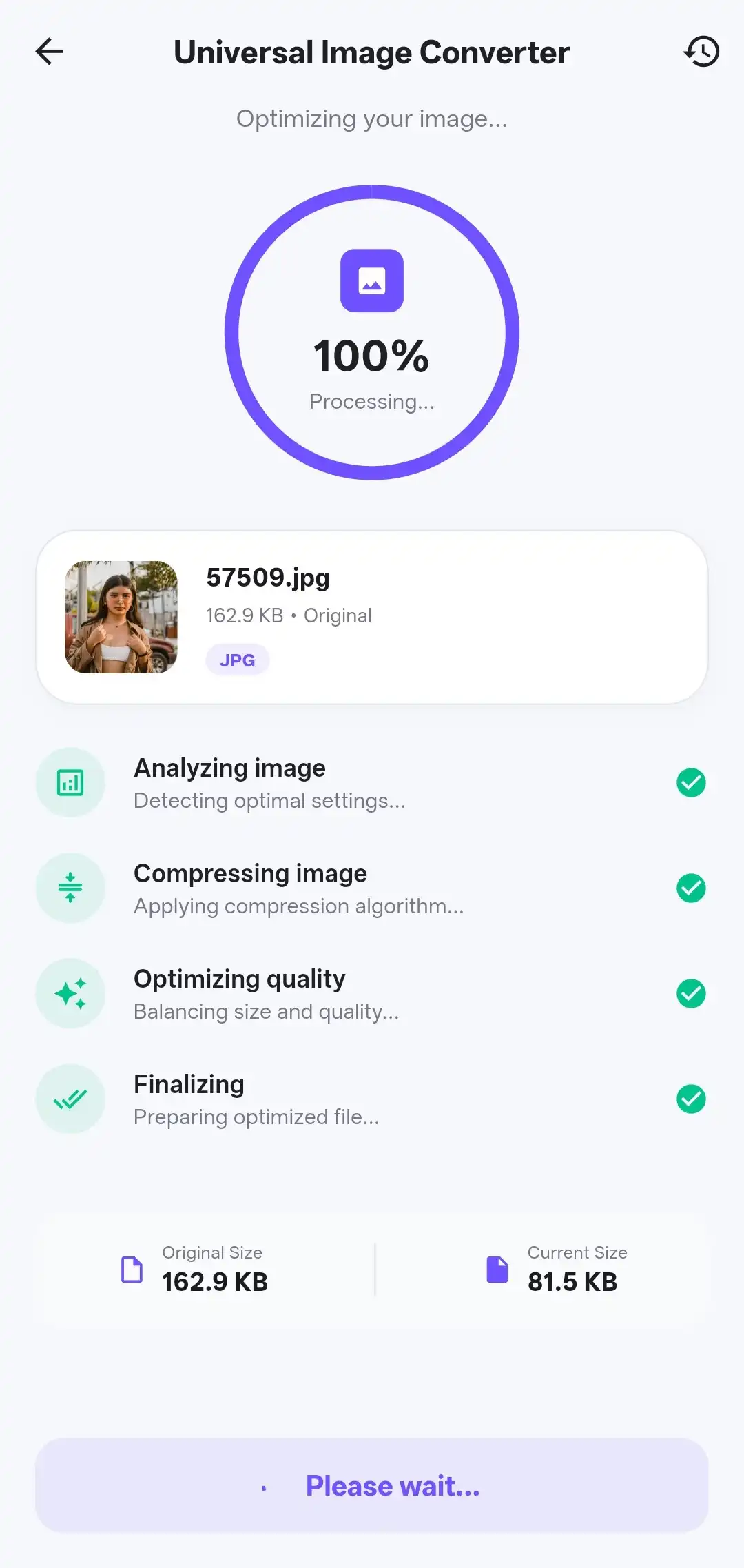
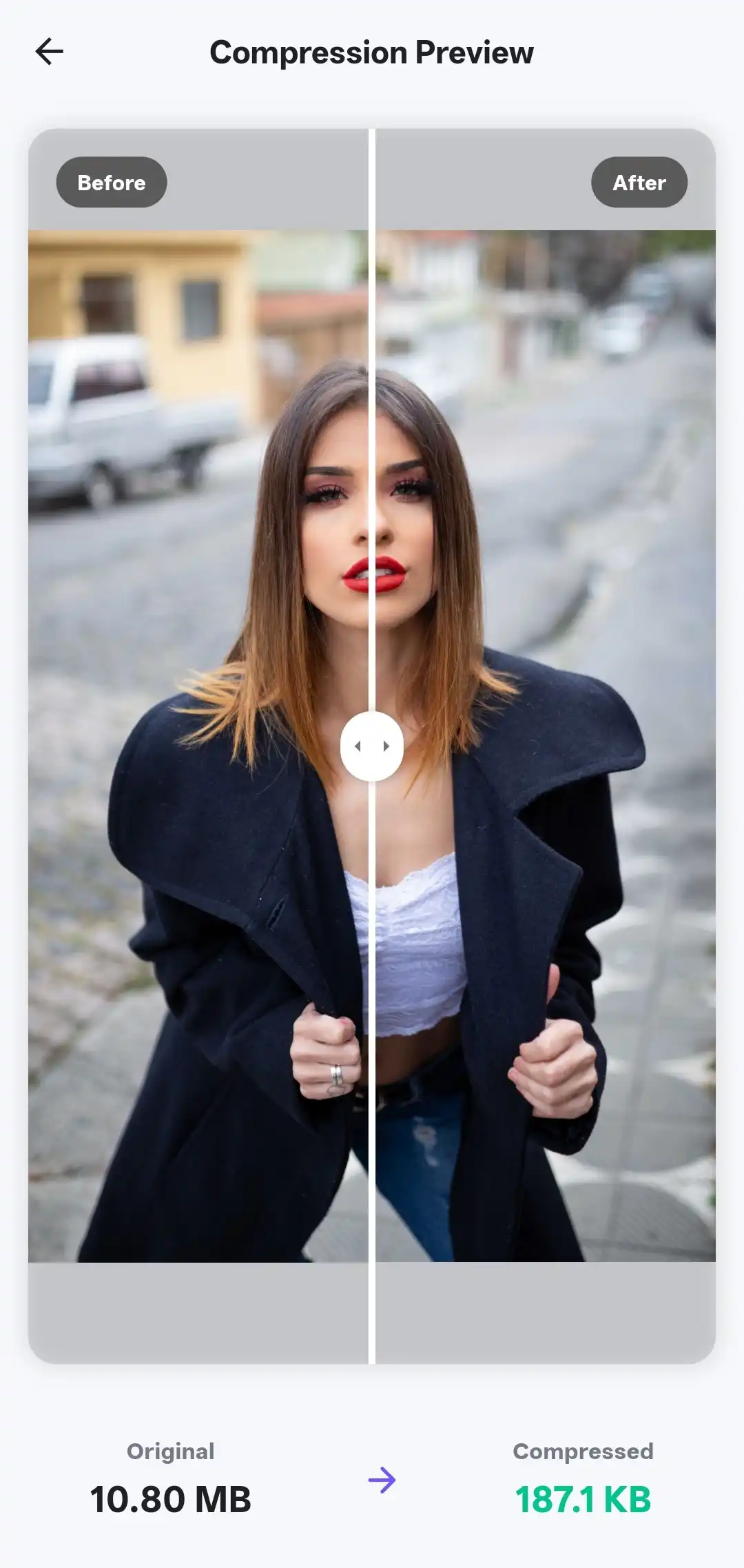
Tired of large photos taking up all your storage or failing to upload? JPEG Optimizer is your all-in-one image toolkit designed to help you shrink, resize, and edit your photos without losing quality.
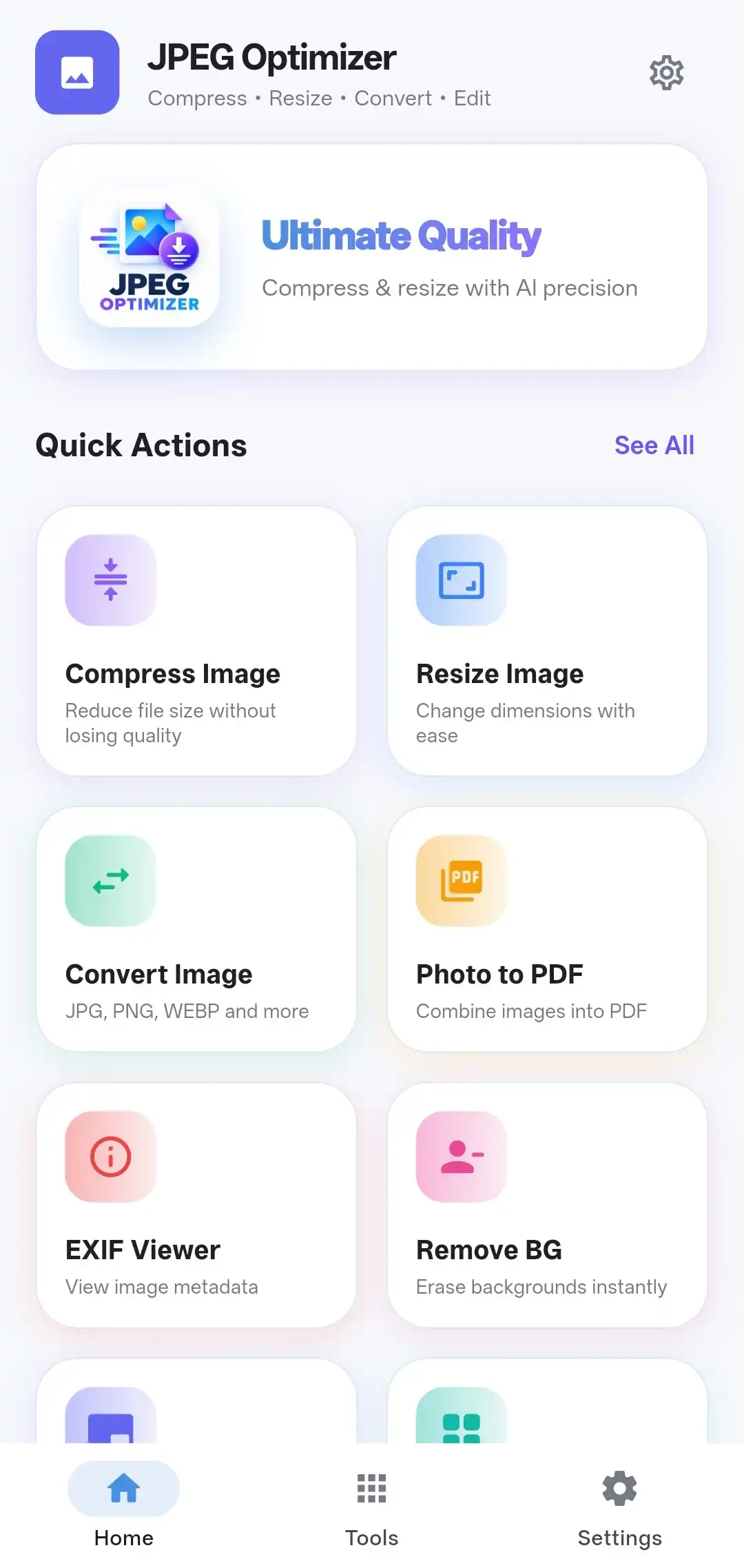
Tired of large photos taking up all your storage or failing to upload? JPEG Optimizer is your all-in-one image toolkit designed to help you shrink, resize, and edit your photos without losing quality.
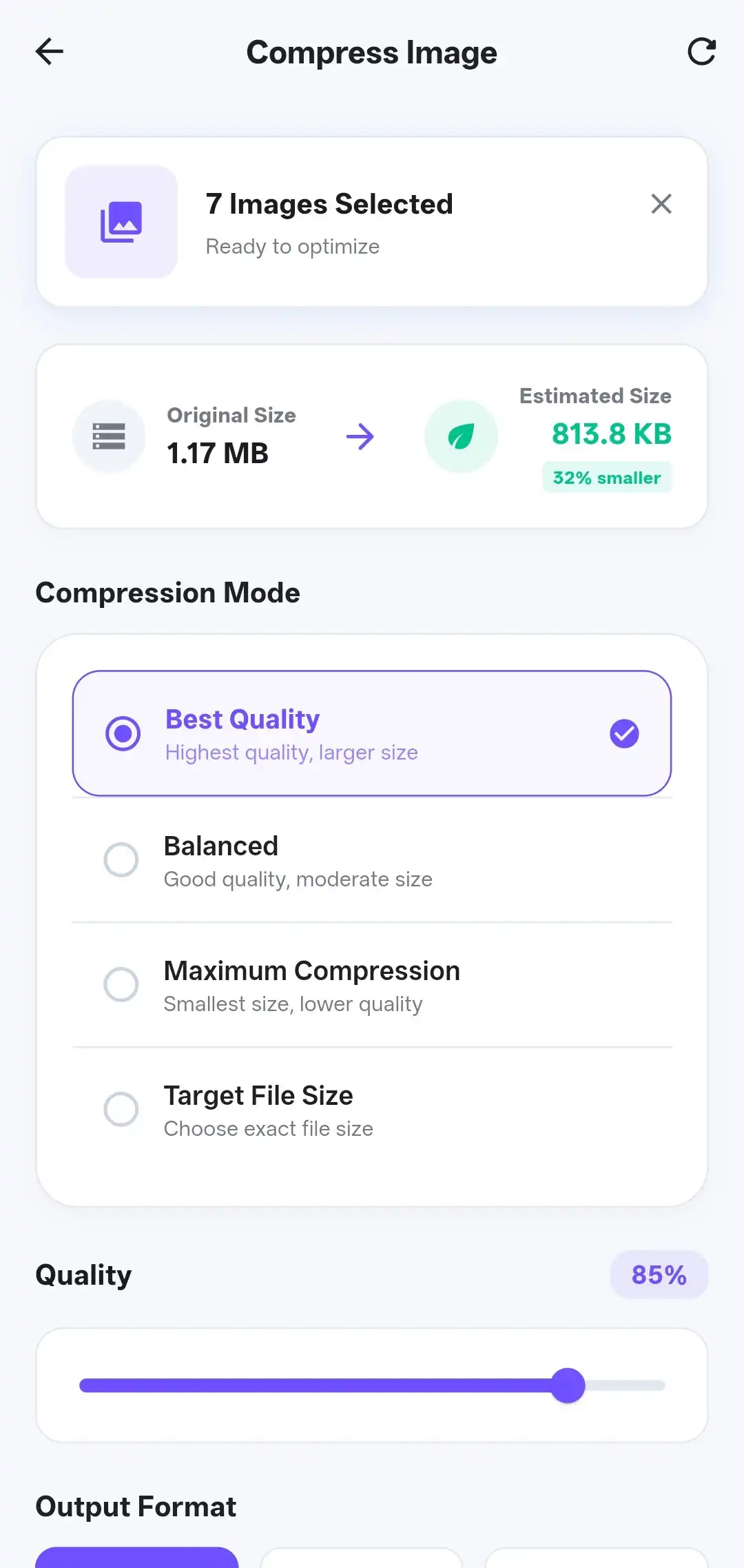
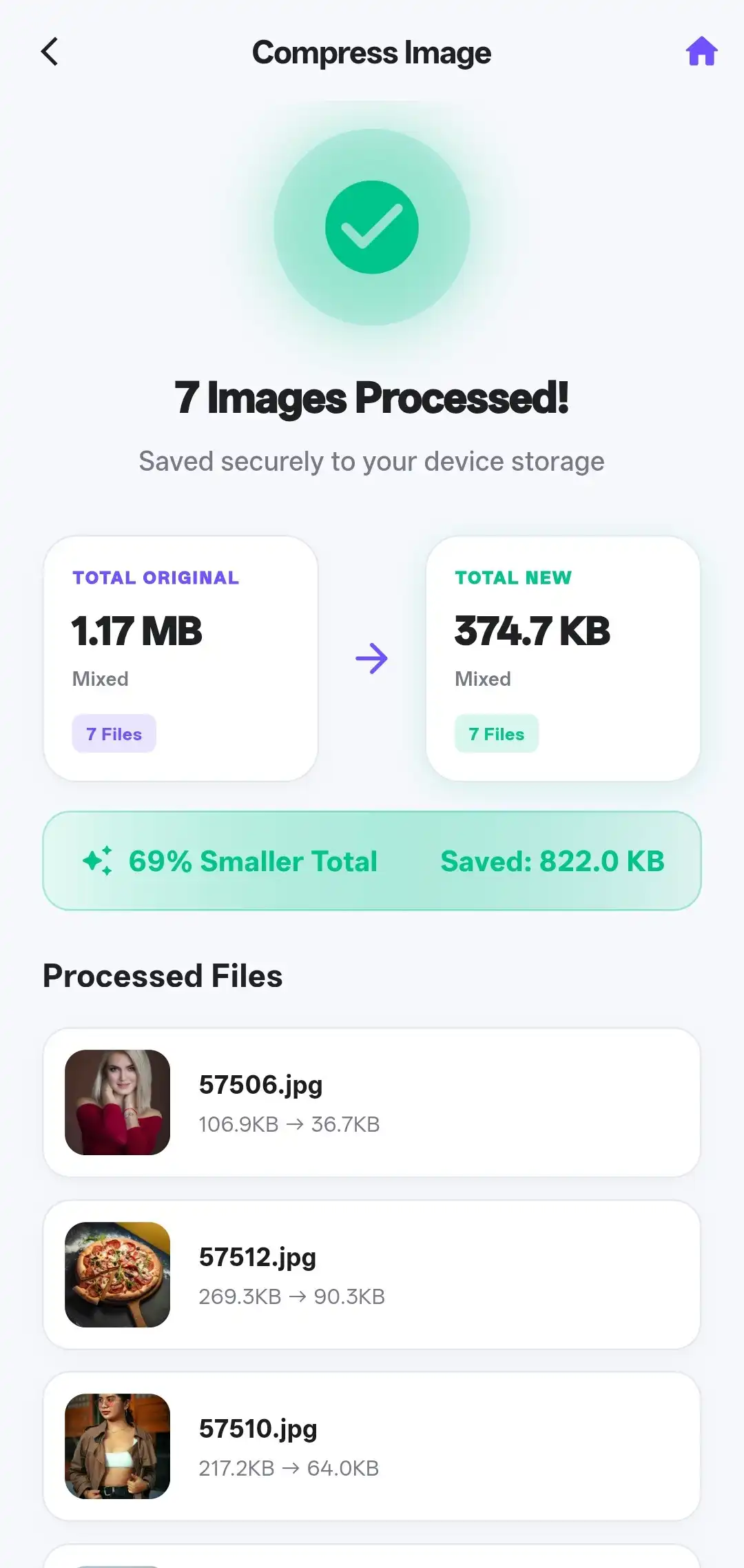
Reduce photo size quickly. Got a massive 5MB picture? Shrink it down to 100KB or 50KB while keeping the quality crisp. Perfect for saving space or meeting strict file size limits.
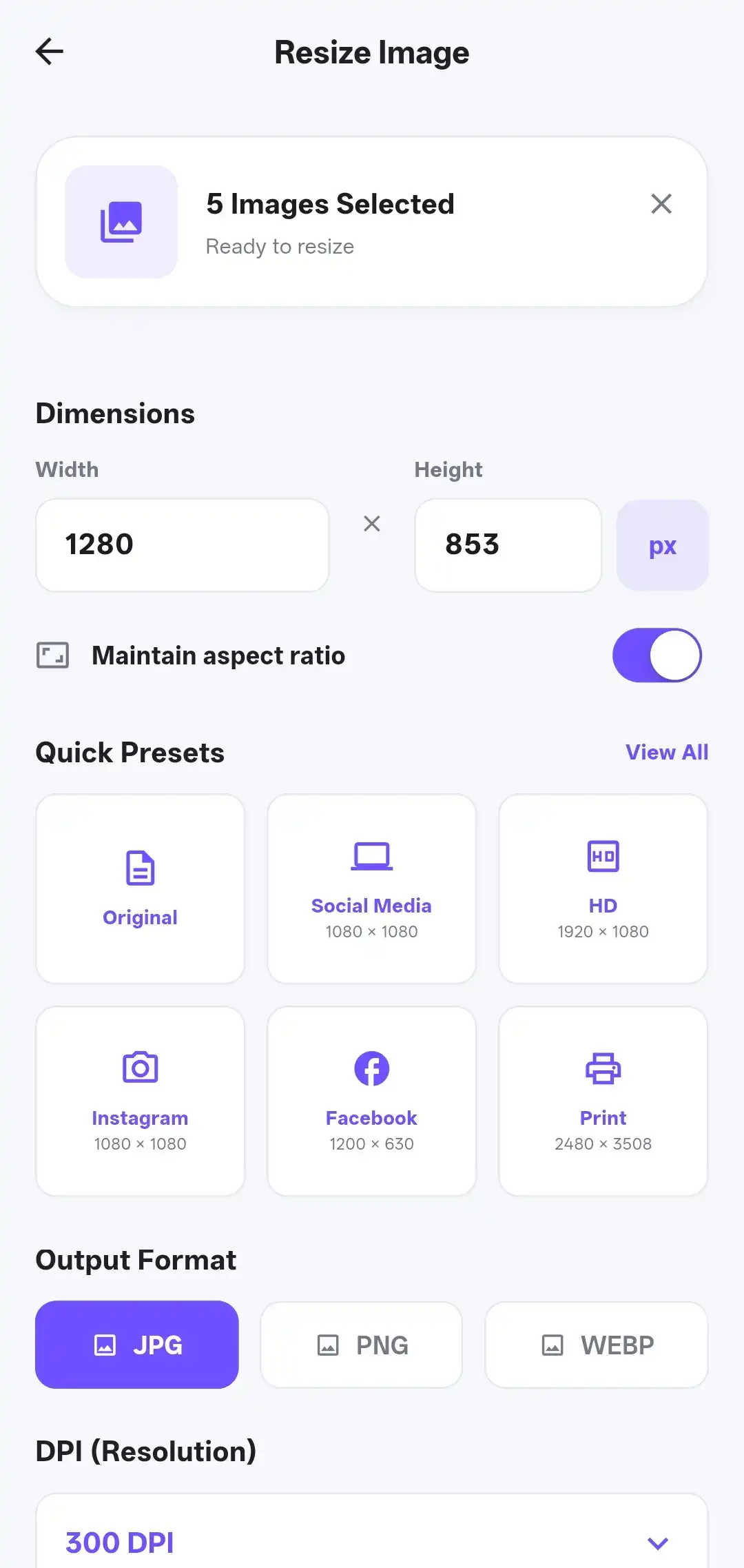
Resize your images exactly how you want them. Change dimensions by percentage, pixels, or even physical print sizes like centimeters, millimeters, and inches.
Stop struggling with unsupported files. Convert images freely between JPG, PNG, WEBP, HEIC, AVIF, BMP, TIFF, and GIF.
Turn your receipts, documents, or favorite pictures into a single, easy-to-share PDF document instantly.
Instantly cut out backgrounds, add watermarks, create beautiful collages, or blur/pixelate sensitive information before sharing.
Instead of processing one picture at a time, select multiple photos and batch process them all at once. Apply your favorite presets and let the app do the heavy lifting.
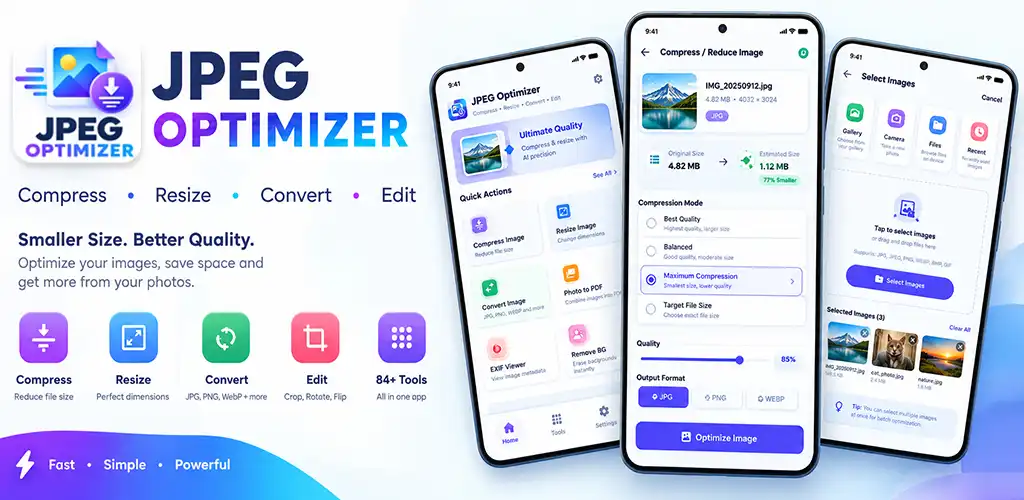
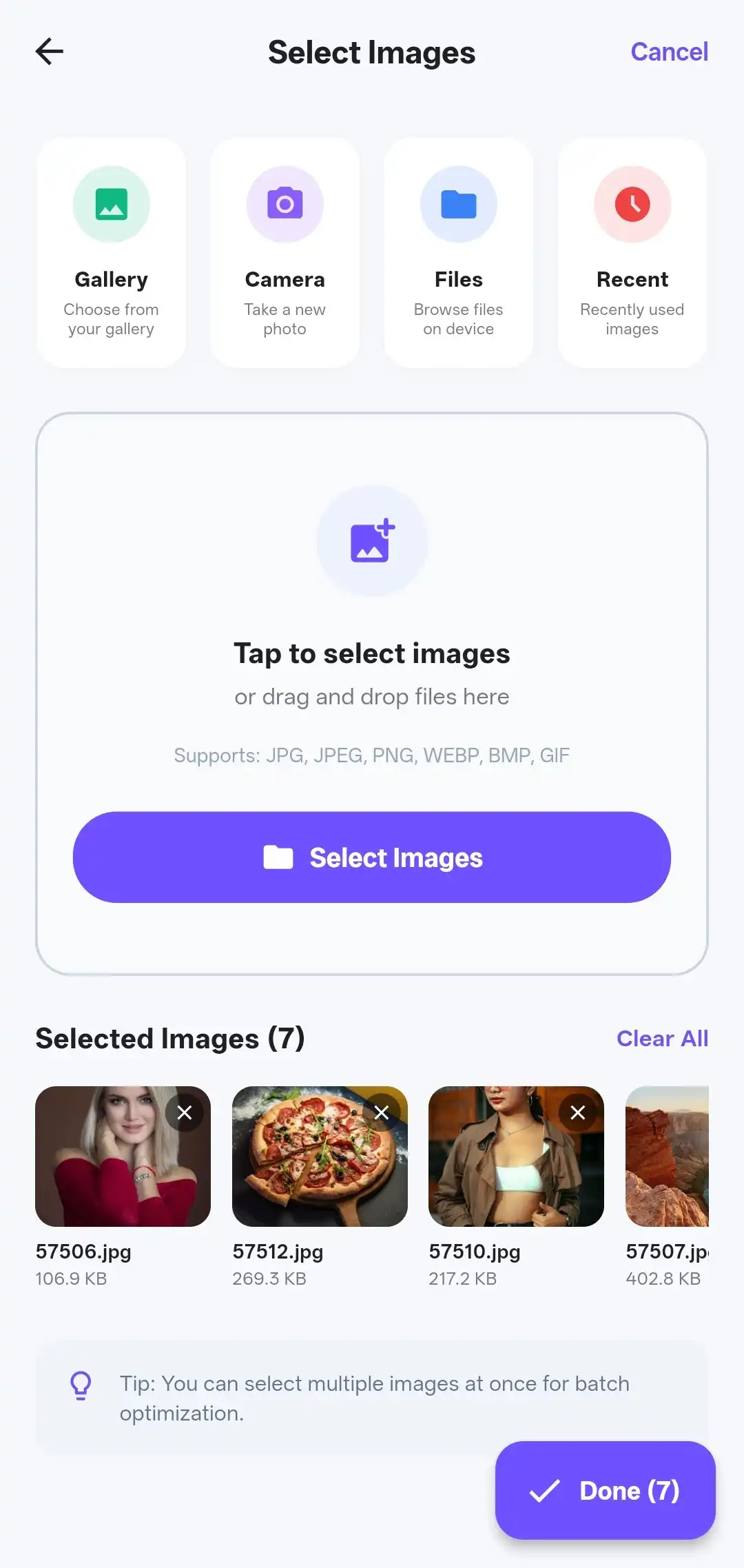
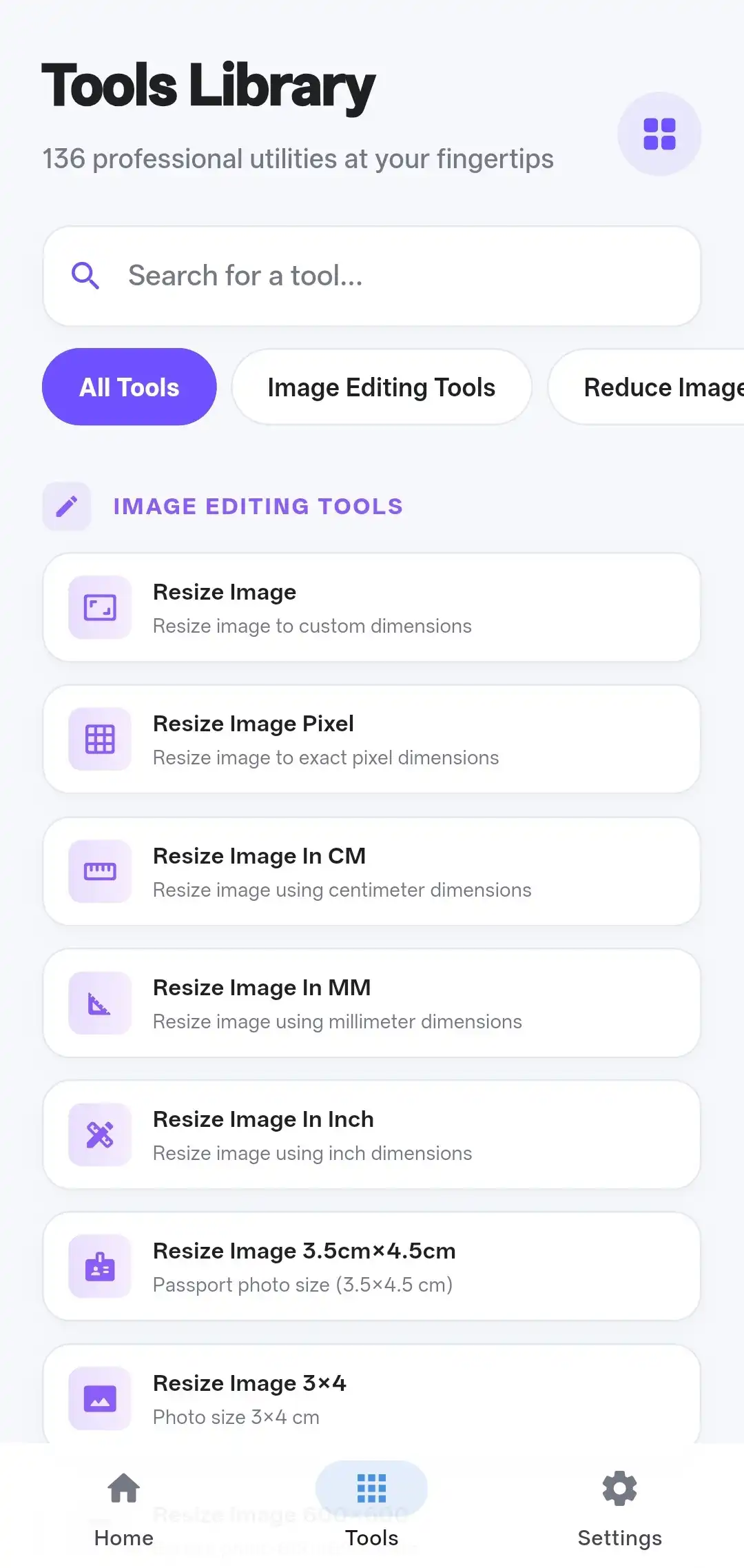
JPEG Optimizer combines photo compression, resizing, format conversion, editing and photo-to-PDF tools in one Android app.
Use the image compressor, adjust the settings and review the resulting file size and picture quality. Reducing pixel dimensions can also help when a form has a strict size limit.
Yes. The resizer supports percentage changes, pixel dimensions and physical dimensions such as centimeters, millimeters and inches.
Yes. Batch Processing lets you apply supported operations to multiple selected photos instead of editing each one separately.
Yes. Photo to PDF Maker combines selected pictures, receipts or document images into a PDF for sharing.
Email devdipweb@gmail.com with the app name, your device model and a description of the issue. Do not send passwords or sensitive files. The privacy policy explains how support messages are handled.