Passport Photo Maker
Create perfectly formatted passport, visa, and ID photos from your phone. Features auto-background removal and precise sizing.
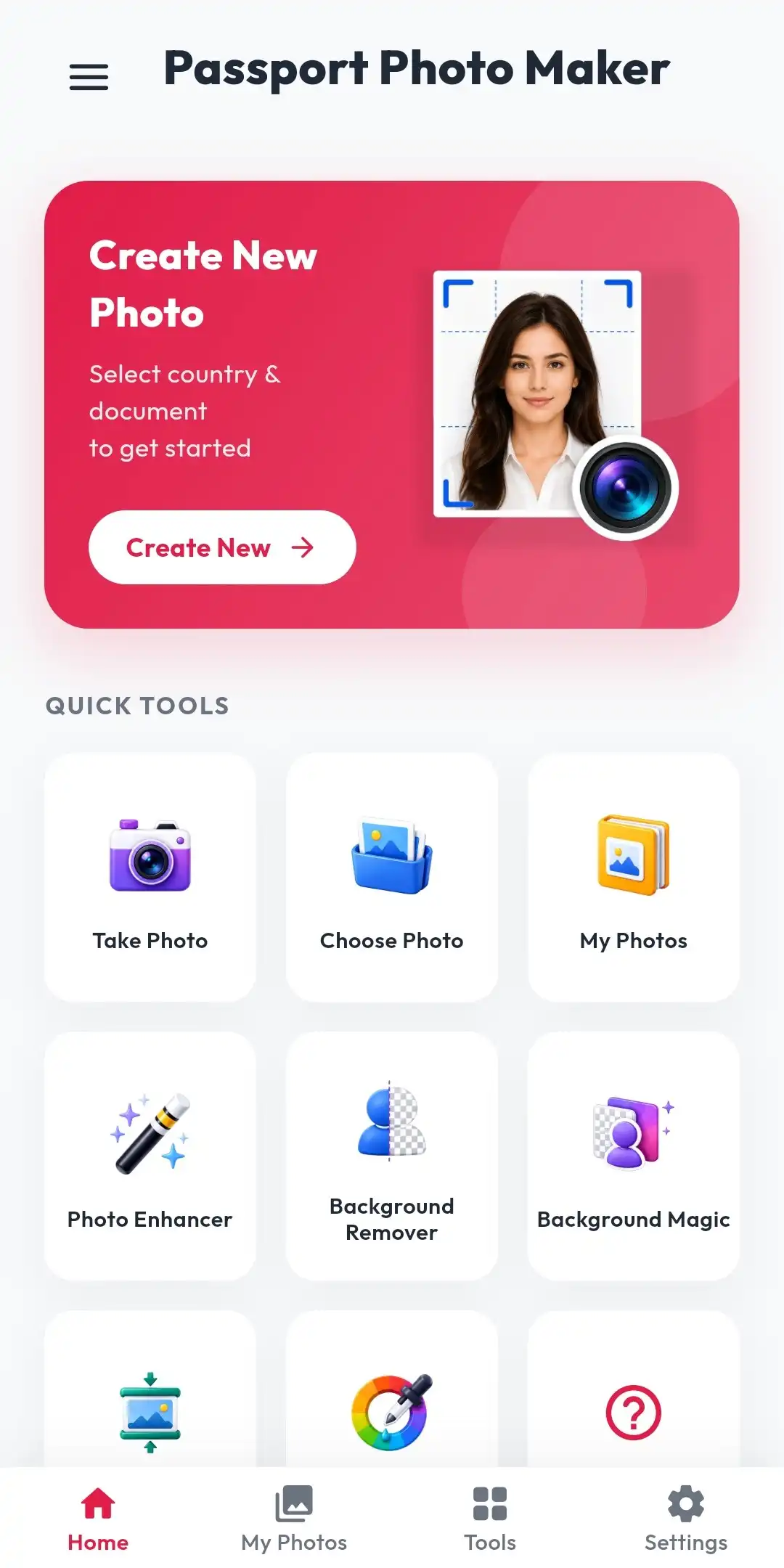
Create perfectly formatted passport, visa, and ID photos from your phone. Features auto-background removal and precise sizing.
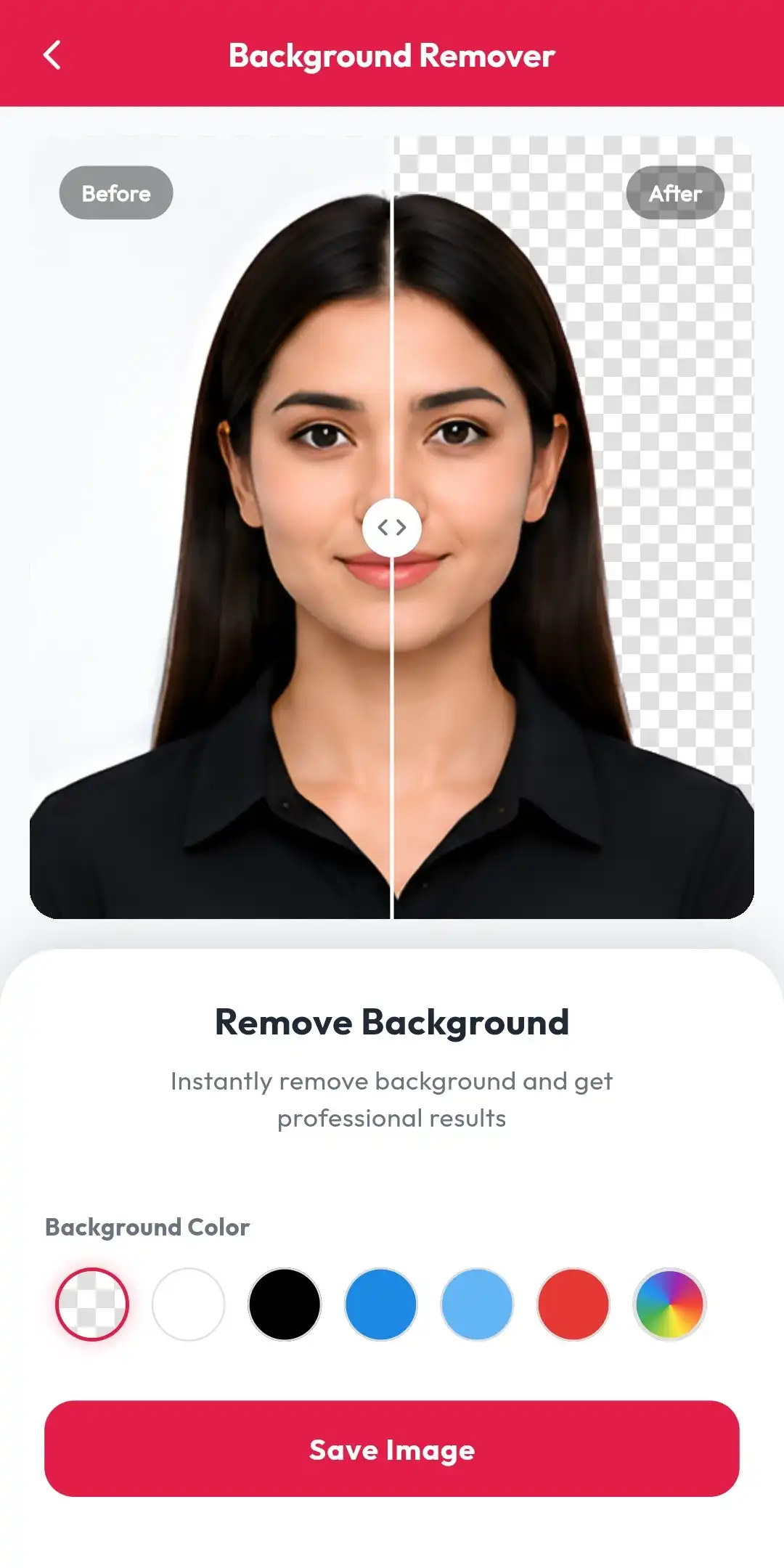
Instantly remove and replace the background of your photo with a solid white or blue color required for official documents.
Supports official passport and visa sizes for over 150 countries worldwide automatically.
Use our built-in camera guides to ensure your face and shoulders are aligned perfectly to strict biometric standards.
Your photos are processed completely on your phone. We never upload your personal face data to any server, ensuring total privacy.
Export multiple passport photos onto a single 4x6 or A4 sheet of paper, ready to be printed at any local photo center.
Need a specific size for a school ID or local form? Set custom width and height dimensions easily.
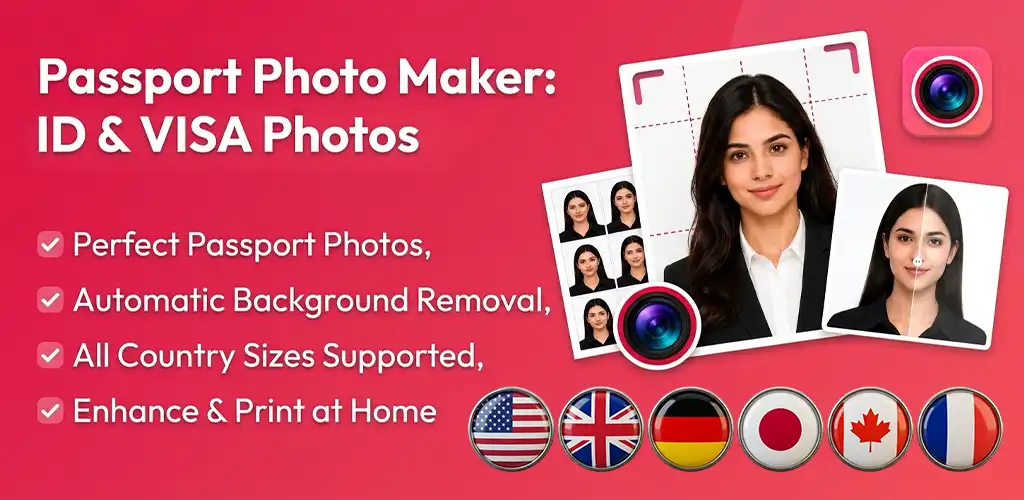
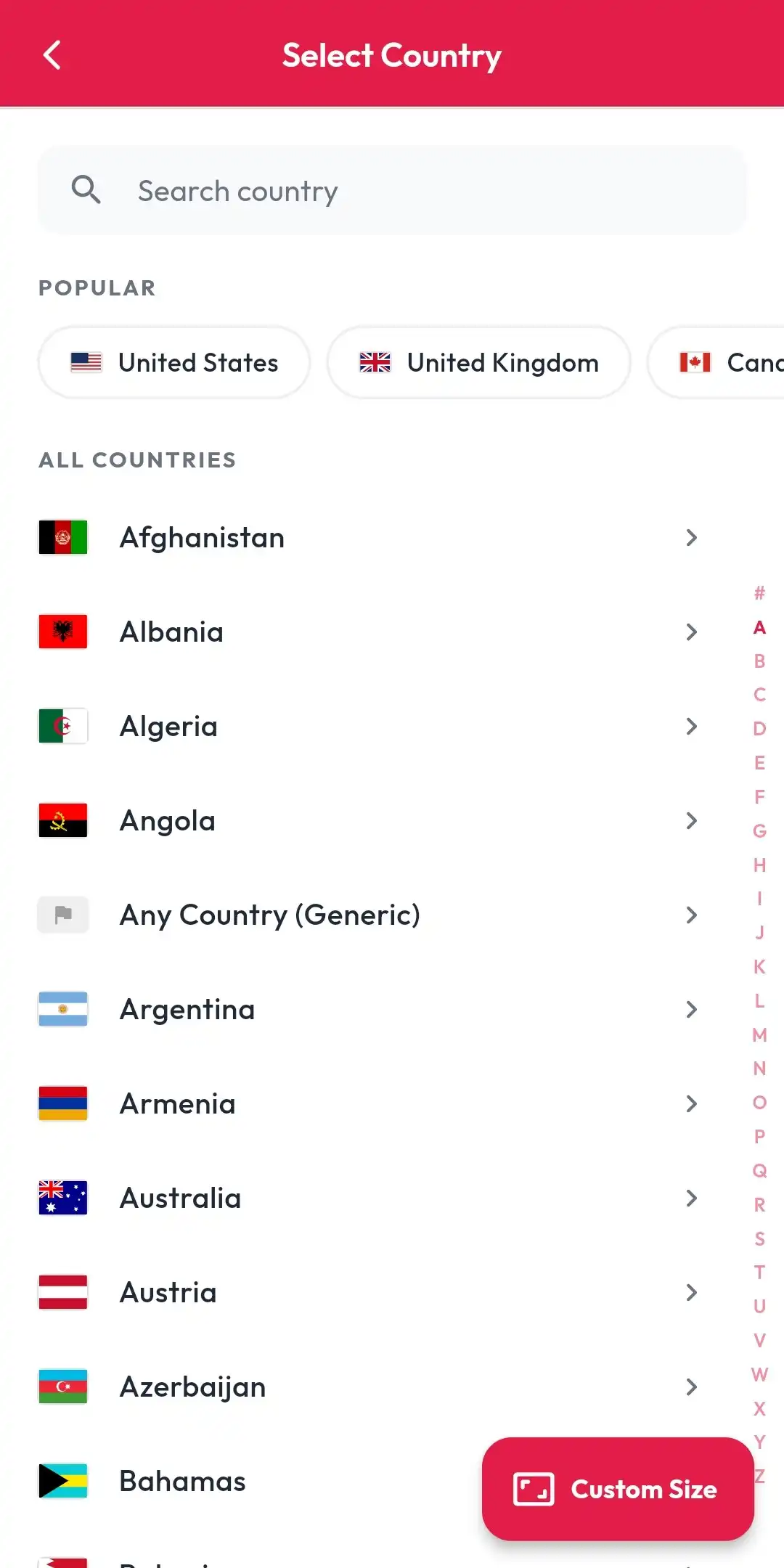
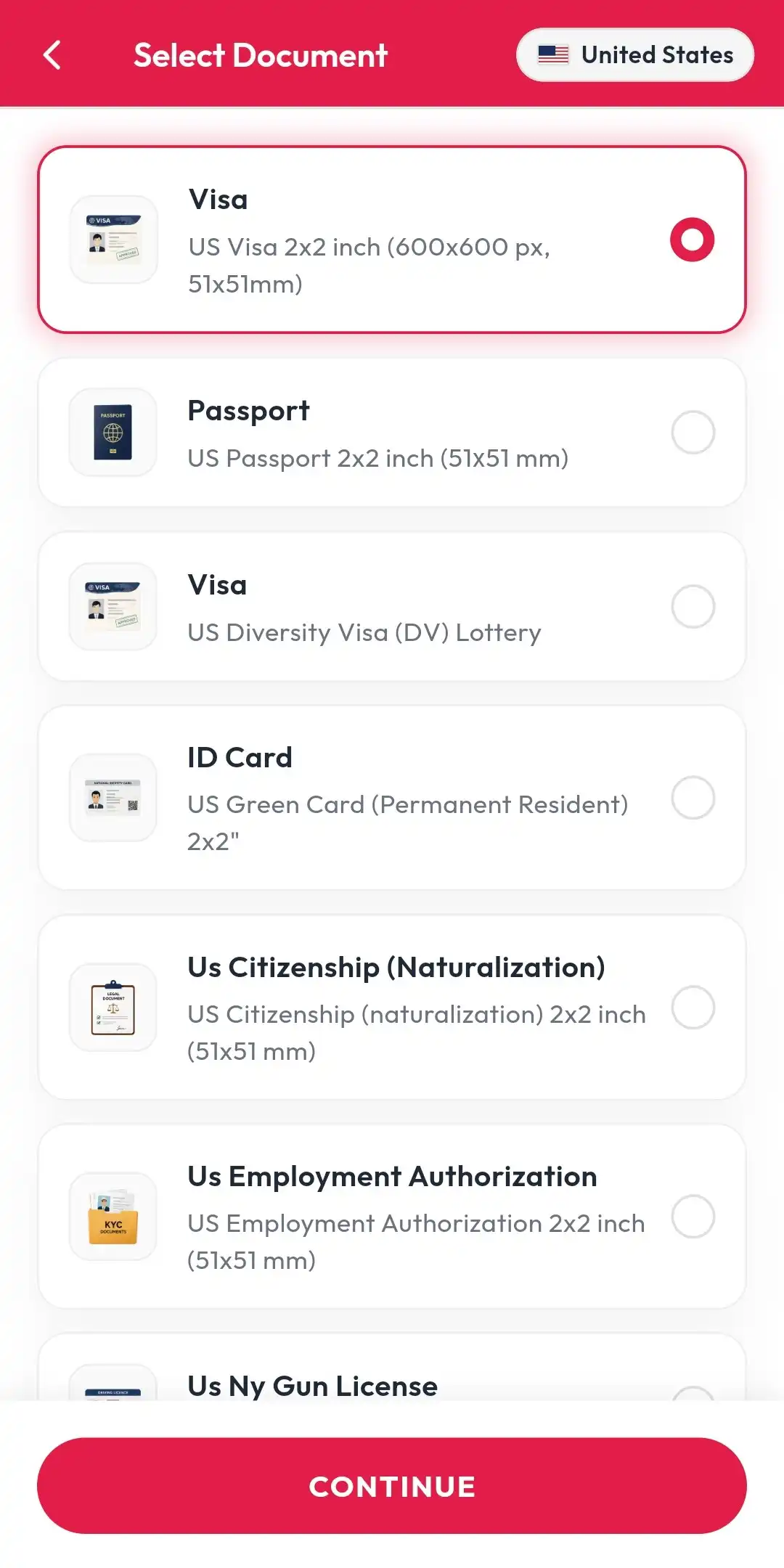
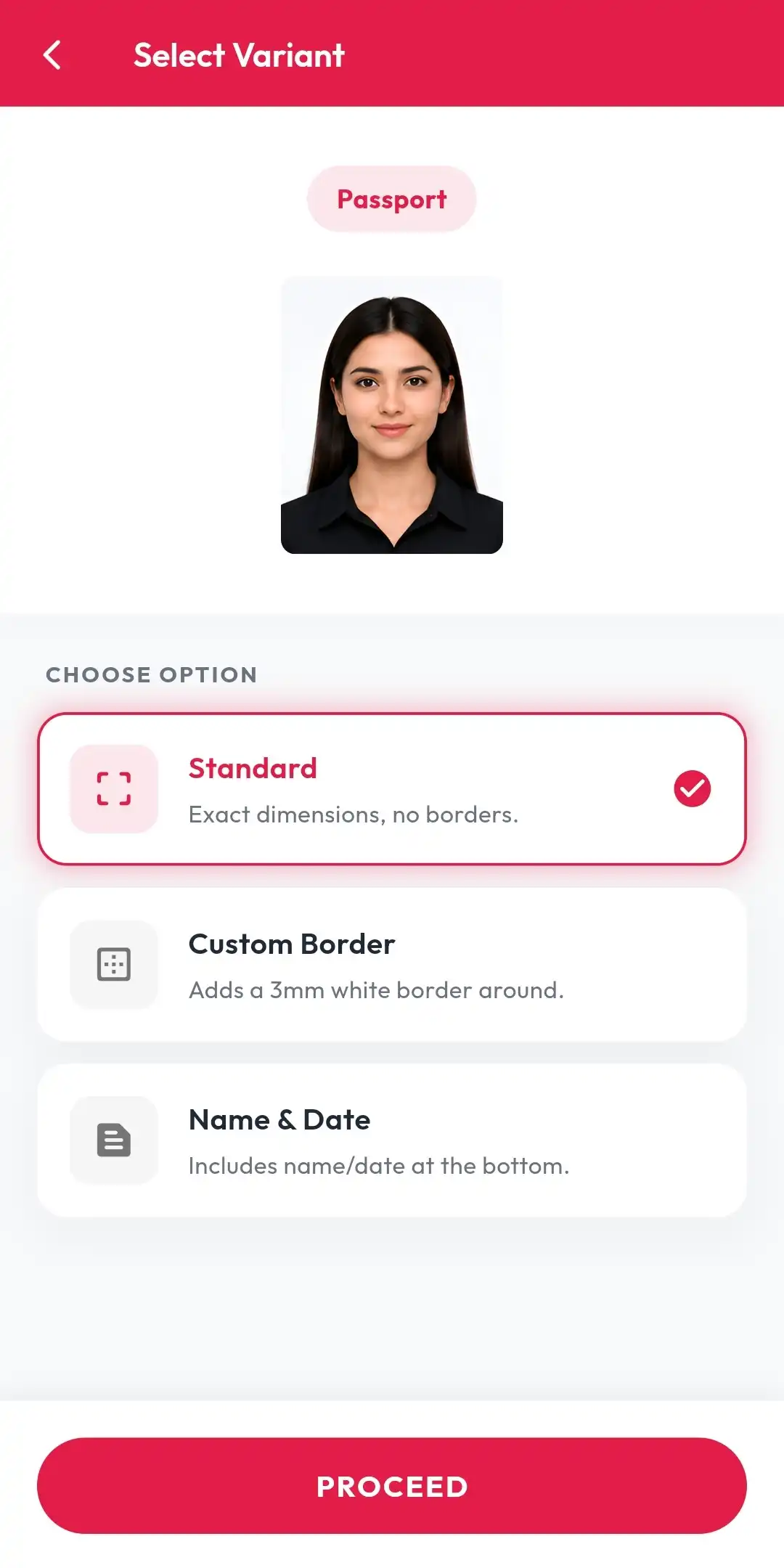
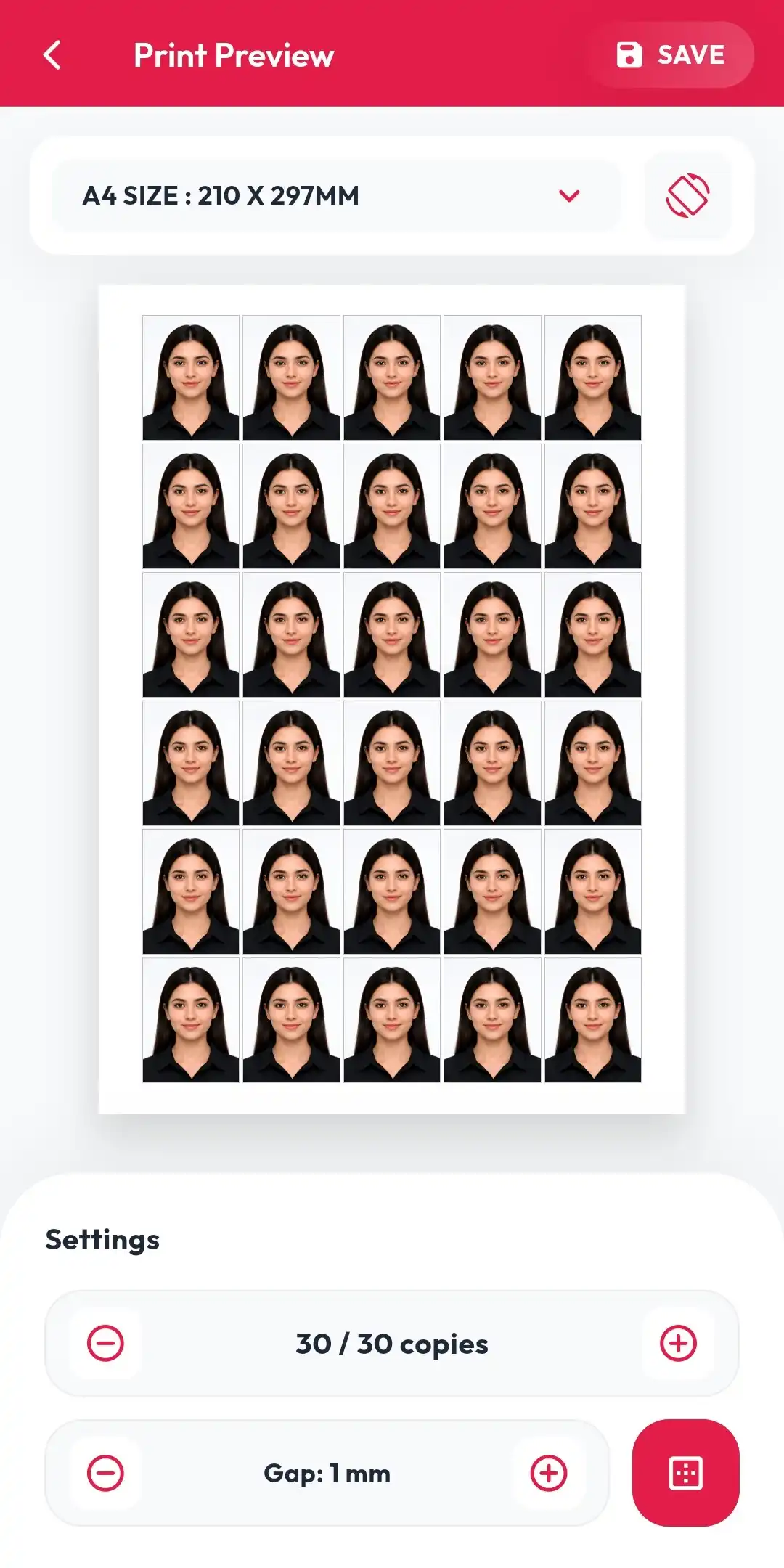
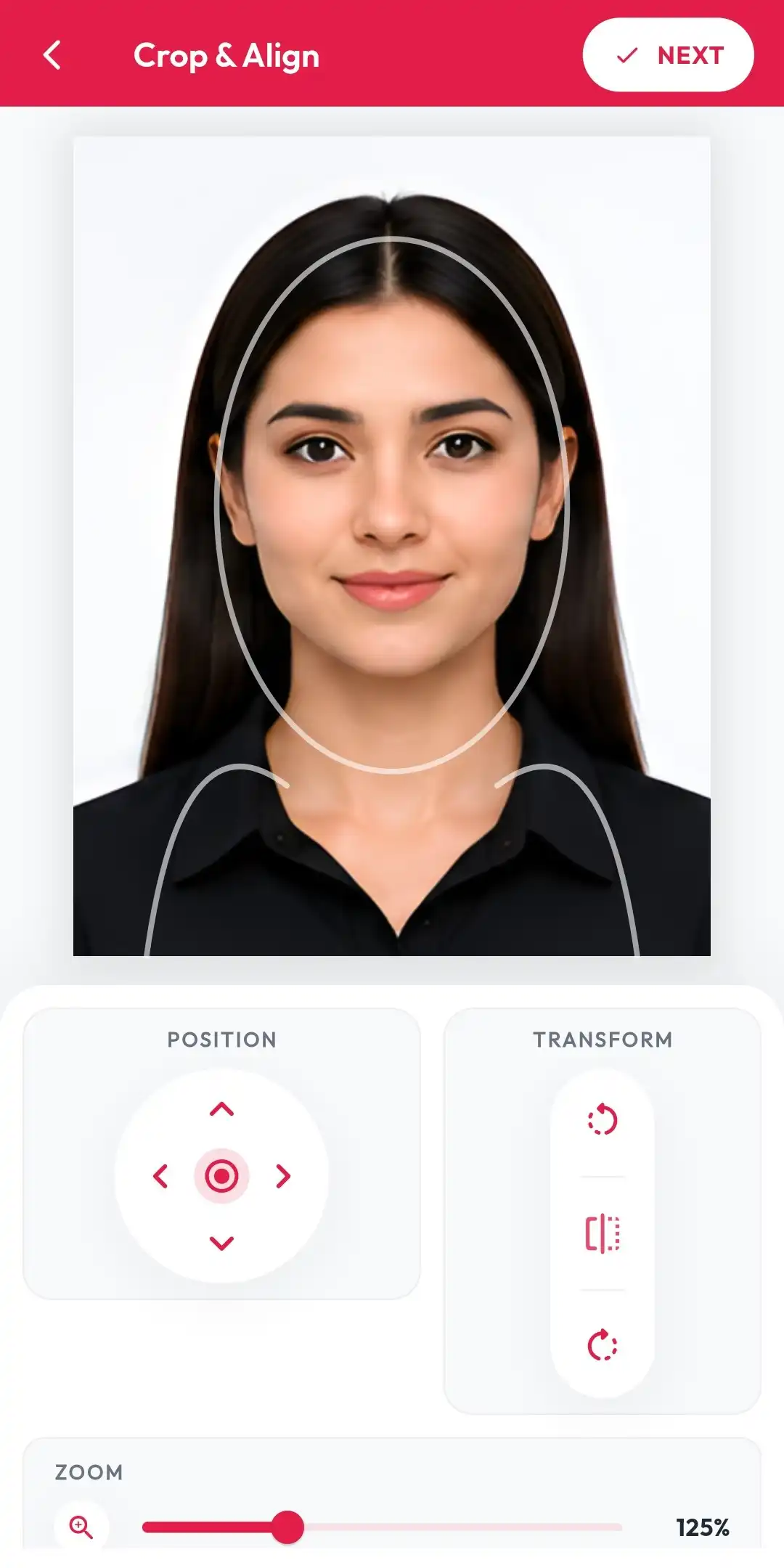
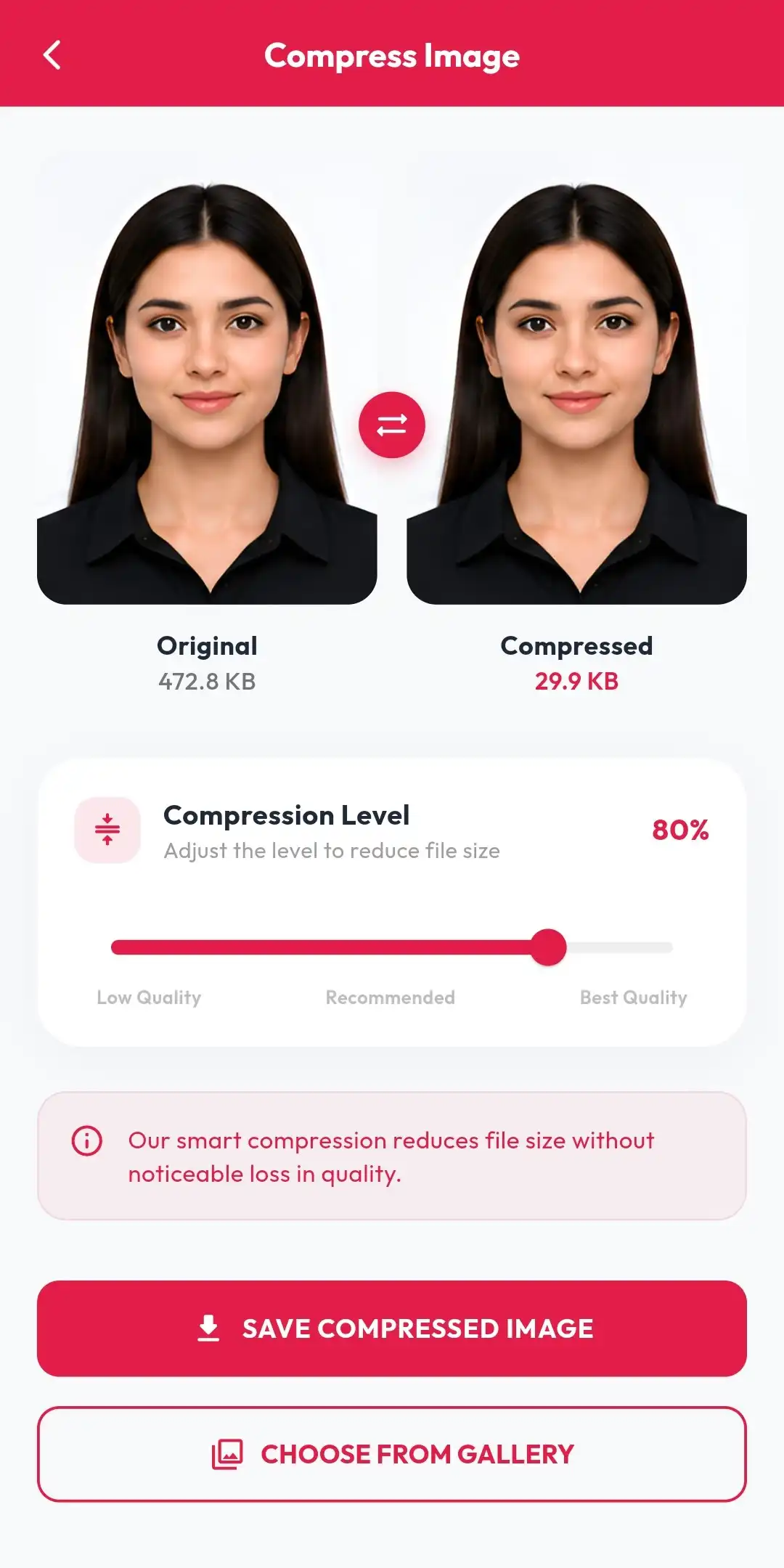
Passport Photo Maker helps prepare passport, visa and ID photos with sizing tools, background replacement, alignment guides and print layouts.
Yes. Auto Background Removal lets you replace the background with a solid color, including white or blue, to suit the photo requirements you are following.
Yes. Alongside country-specific formats, Custom ID Sizes lets you enter dimensions for school IDs and other forms.
Yes. Print Ready exports multiple passport photos on a single layout, including 4x6 or A4 sheets.
No. Check the receiving authority’s current requirements for size, background, pose and image quality before submitting. Editing and layout tools do not guarantee acceptance.
Email devdipweb@gmail.com with the app name, your device model and a description of the issue. Do not send passwords or sensitive files. The privacy policy explains how support messages are handled.