PNG Studio App Icon - Professional PNG Image Studio Android

PNG STUDIO

Professional PNG Image Studio

Create, edit, optimize, and convert transparent PNG images effortlessly. PNG Studio delivers over 60 dedicated graphic utilities right on your phone—featuring machine learning background removal, high-ratio PNG compression, color keying, and batch processing with total on-device privacy.

Get it on Google Play Read Privacy Policy
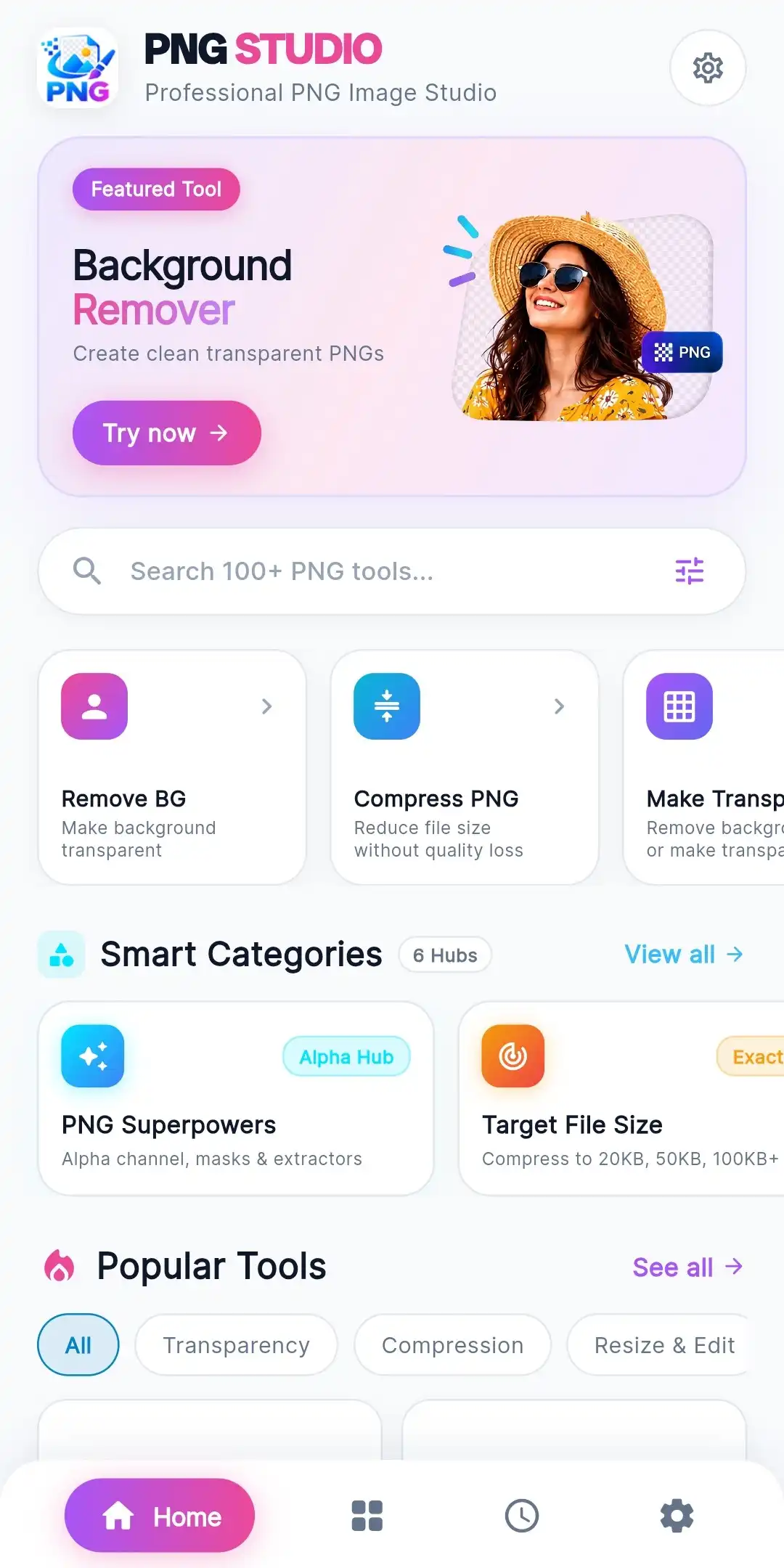
PNG Studio Home Screen - Background Remover and PNG Tools on Android

Comprehensive PNG Tool Suite

Whether you are designing digital assets, preparing e-commerce product photos, compressing graphics for web performance, or resizing passport photos, PNG Studio gives you professional precision.

AI Background Remover

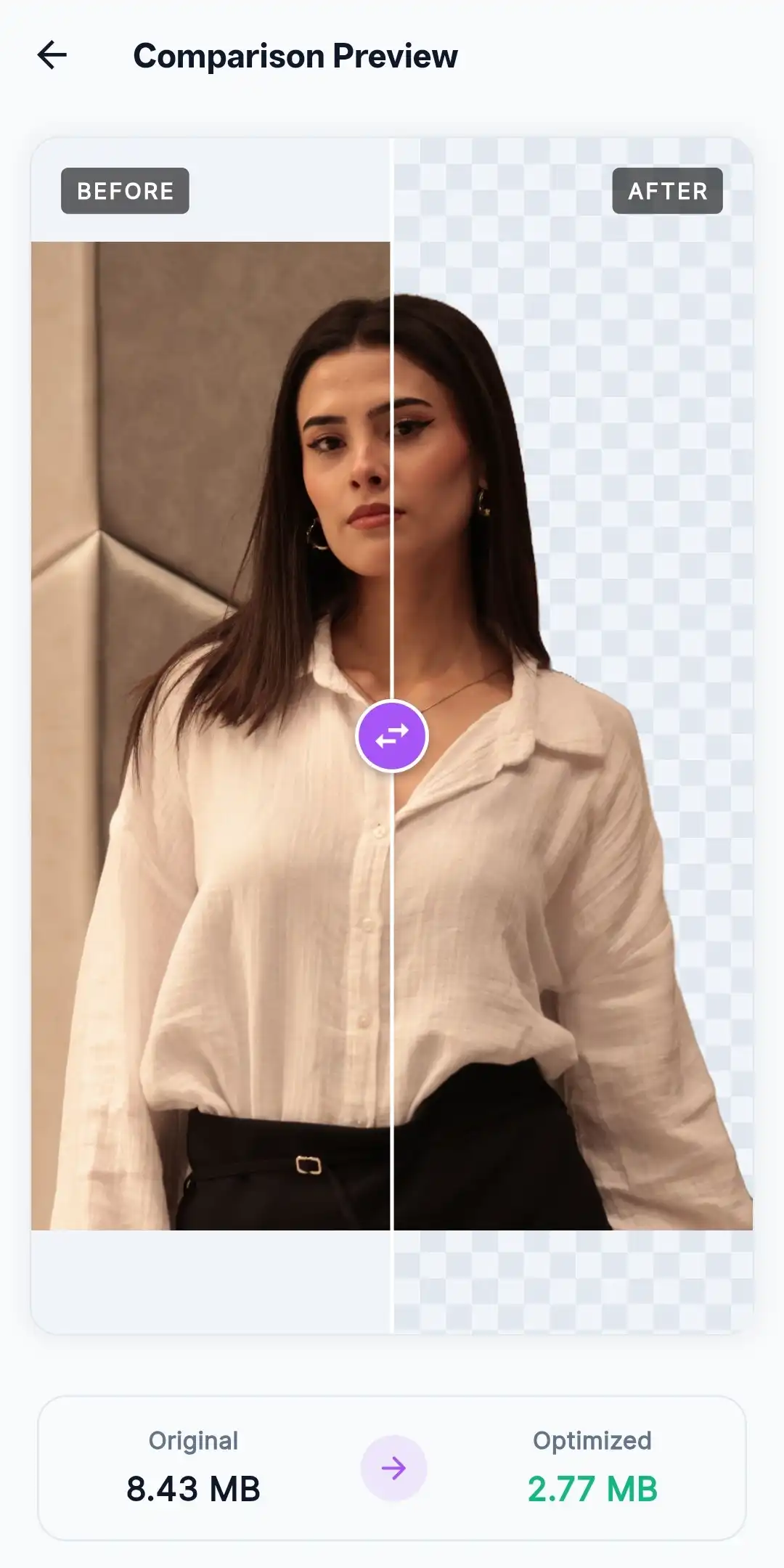
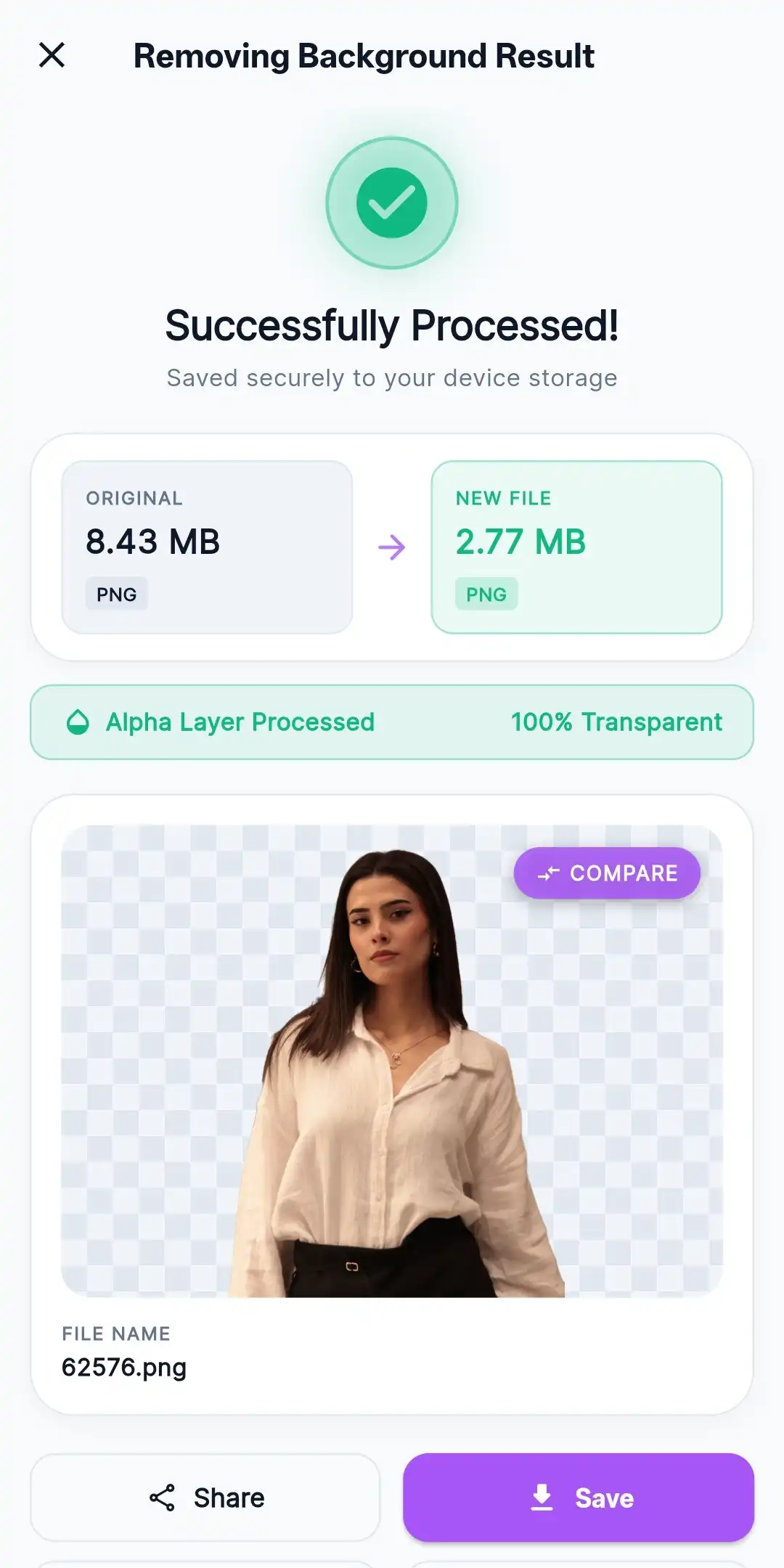
Isolate people, objects, and products with intelligent machine learning edge detection. Generate crisp, transparent cutouts in seconds with instant side-by-side comparison previews.

Smart PNG Compression

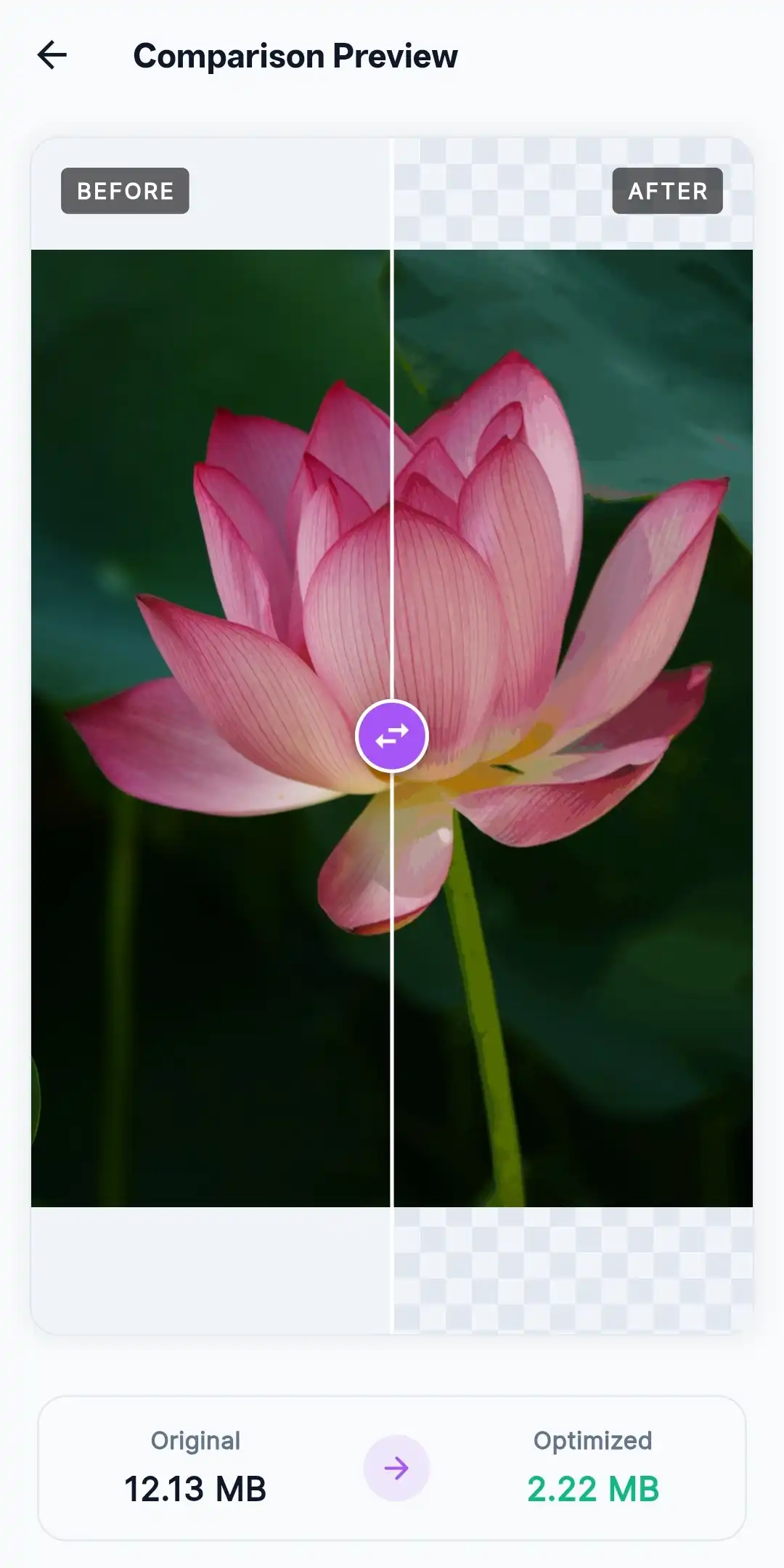
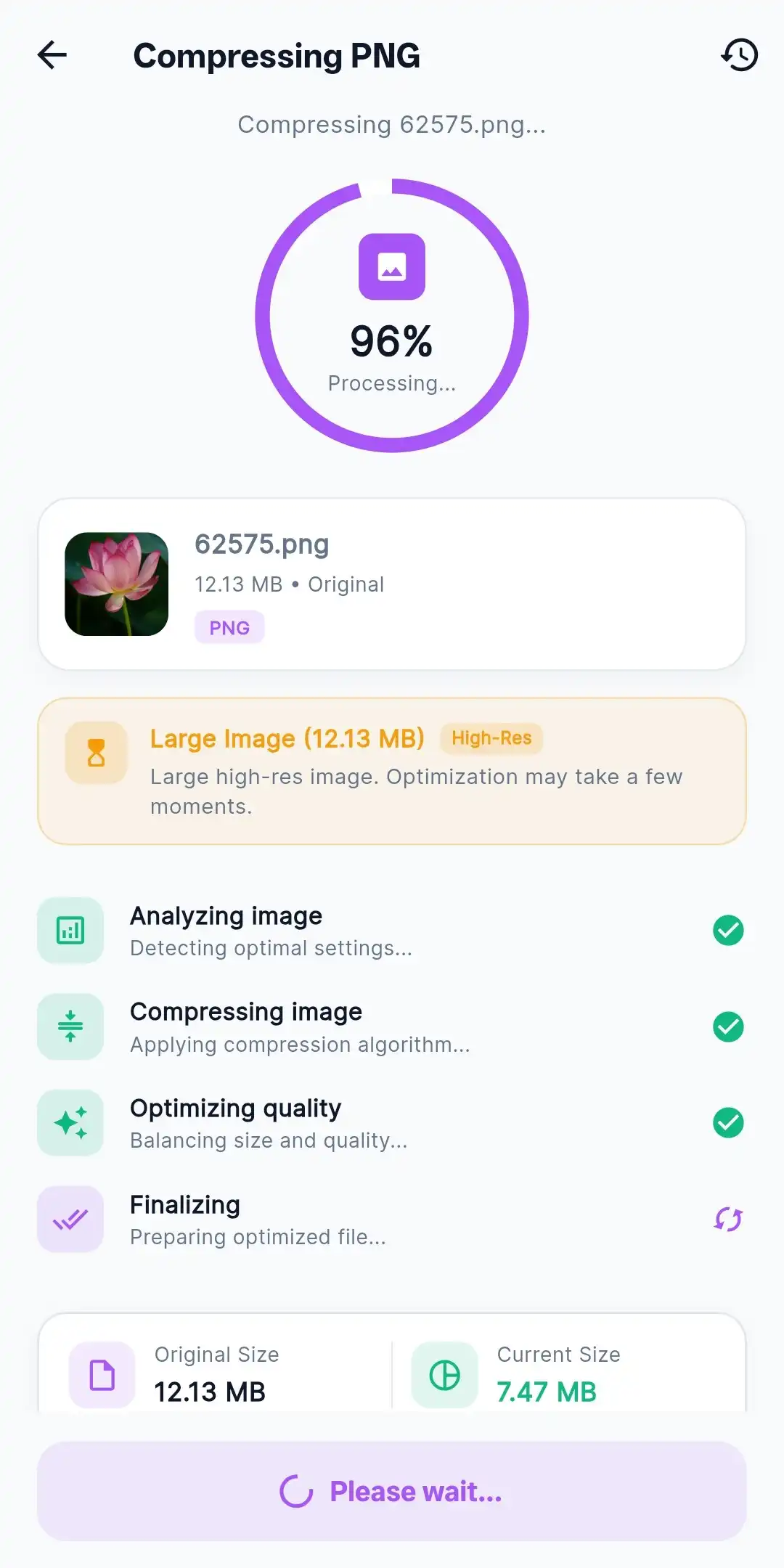
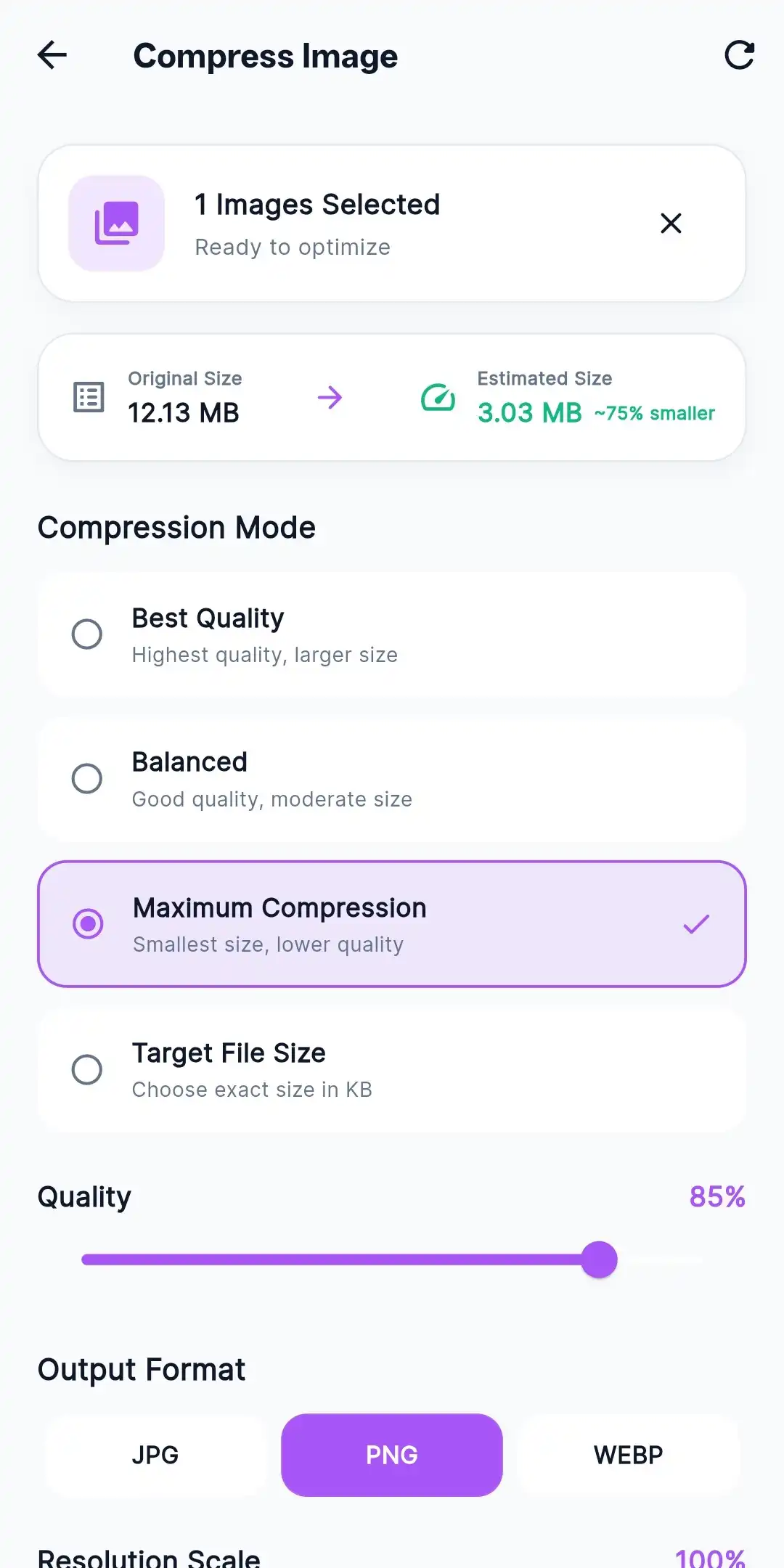
Reduce file size cleanly while maintaining pristine visual clarity using smart palette optimization or lossless compression.

Target File Size (KB Compression)

Compress images to exact target sizes (5KB, 10KB, 20KB, 50KB, 100KB, 200KB, or 500KB) to satisfy strict government portal, job application, and exam submission requirements.

Alpha Superpowers & Color Keying

Clear white backgrounds from logos and stamps, remove black backdrops, extract handwritten signatures into transparent PNGs, or generate clean sticker outline borders.

Physical & Pixel Resizer

Scale images with native hardware acceleration. Resize by exact pixels, percentage, or physical printing dimensions including centimeters (CM), millimeters (MM), and inches.

Universal Format Converter

Convert freely between transparent PNG, JPG, WebP, BMP, GIF, ICO (Favicon), and PDF. Seamlessly transform Apple HEIC photos into universal lossless PNGs.

Creative Canvas Editor

Draw, crop to custom aspect ratios, insert annotations, add text overlays, apply artistic filters, and customize image layers on an interactive transparent canvas.

Sequential Batch Processing

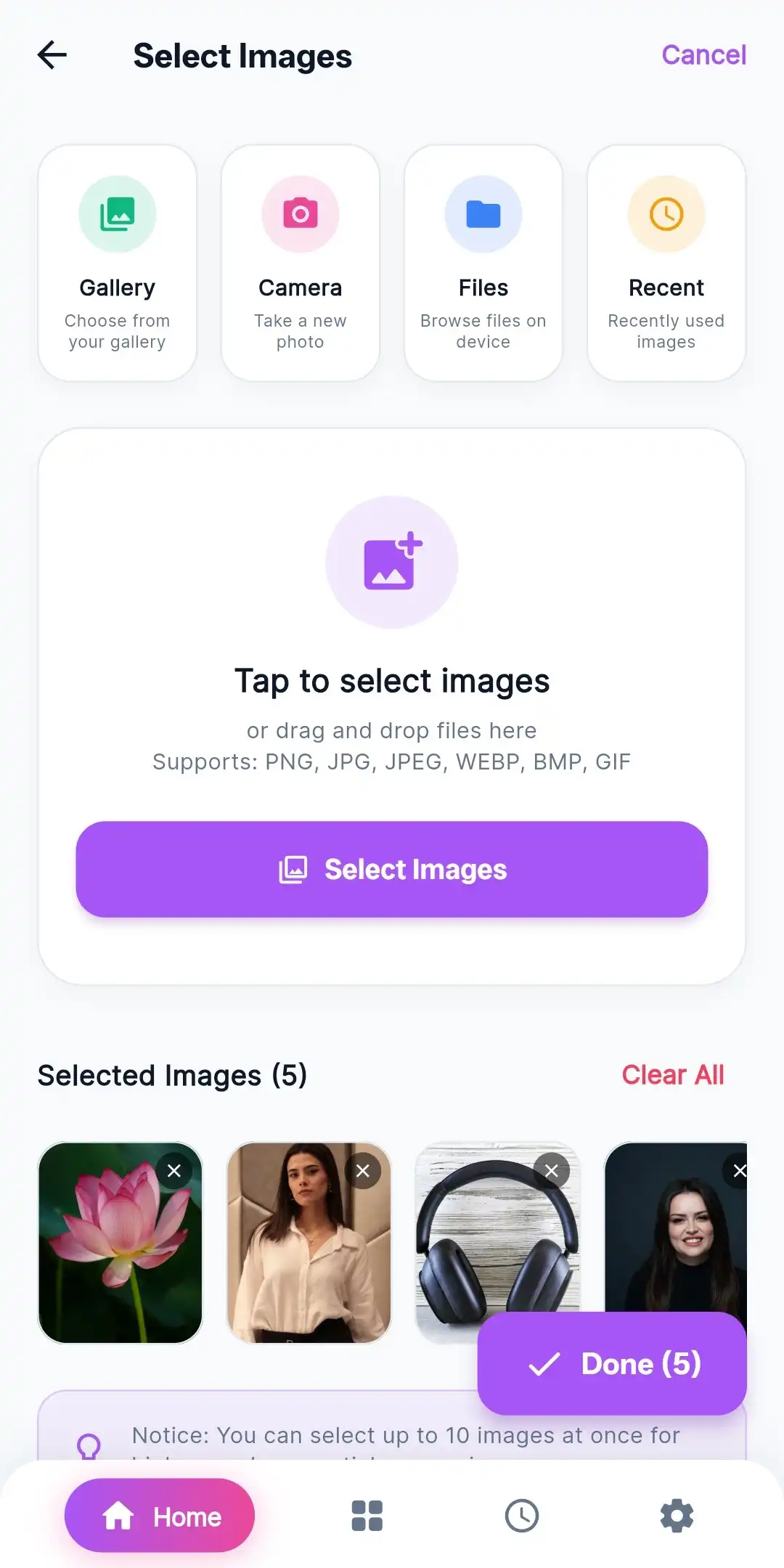
Process multiple photos smoothly. Our memory-safe sequential engine optimizes images one by one with live progress indicators to ensure rock-solid stability.

Privacy Effects & EXIF Sanitizer

Protect your identity by scrubbing embedded GPS coordinates, camera metadata, and device tags. Apply custom Gaussian blur or mosaic pixelation to redact sensitive information.
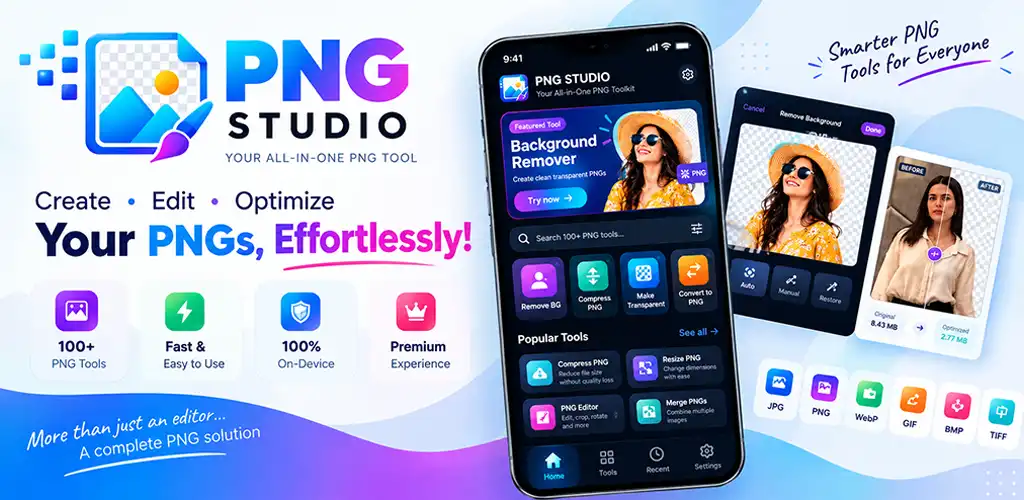
PNG Studio Feature Showcase Banner - Create, Edit, and Optimize PNG Images

Experience the App in Action

Explore the high-precision before/after comparison slider, batch image selector, and live compression analytics.

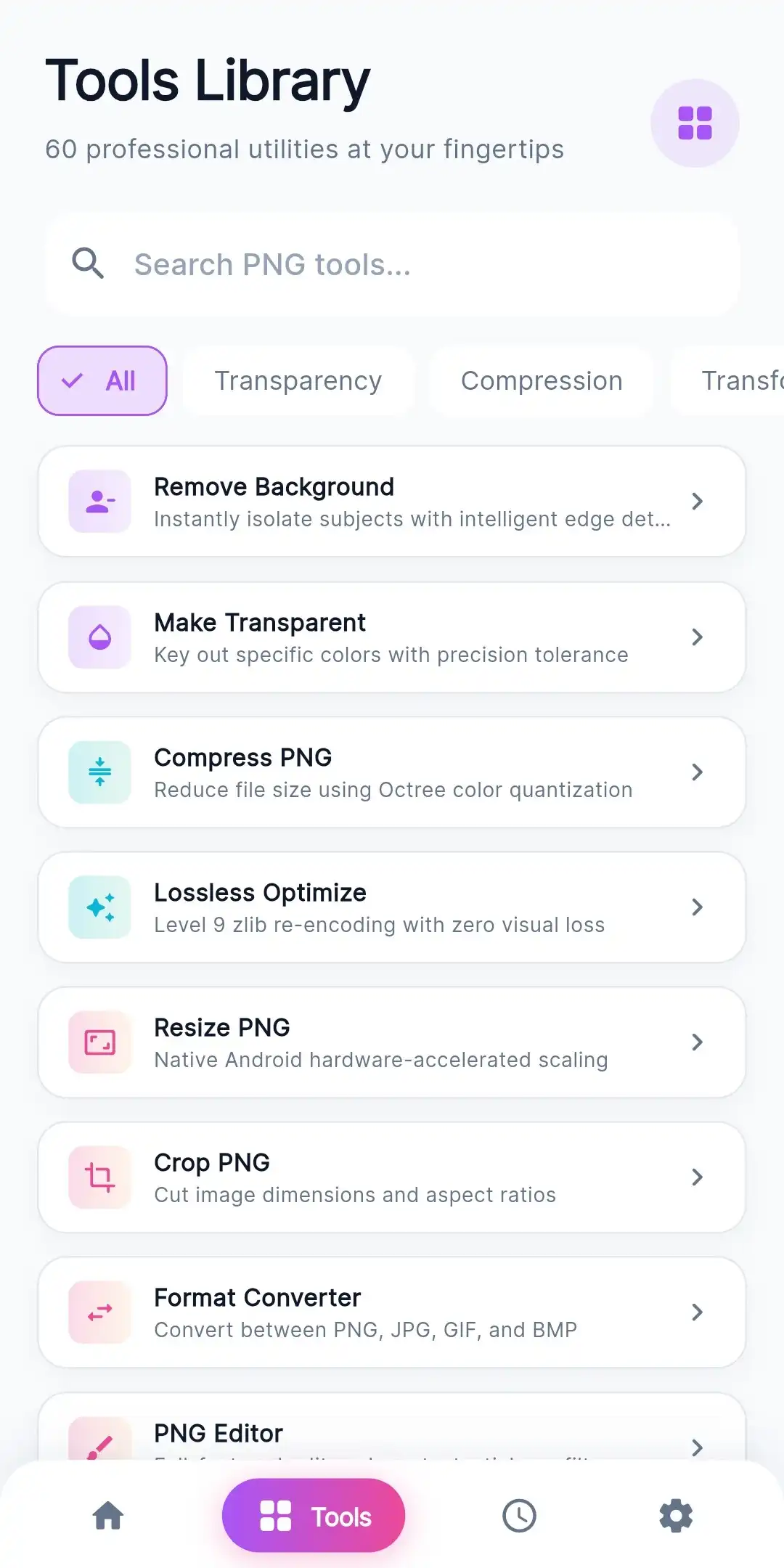
Portrait Background Removal with Before and After Comparison Preview PNG Studio Tools Library featuring over 60 image utilities High Precision Flower Background Cutout Comparison Live PNG Compression Progress with High Resolution Warning Indicator Removing Background Result Screen with Alpha Layer Verification and File Savings Batch Select Images Screen supporting Gallery, Camera, and Files Compress Image Customization Screen with Quality Slider and Format Switcher

Why Choose PNG Studio?

On-Device Privacy

All core image processing, segmentation, quantization, and transformations execute directly on your device hardware. Your personal photos never leave your phone.

Zero Quality Compromise

Take advantage of true 24-bit transparent PNG standards, crisp 8-bit quantization with alpha channel retention, and lossless compression profiles.

Built for Speed & Stability

Designed with memory-safe buffer management and sequential queue scheduling to handle large multi-megapixel captures smoothly without crashing.

Frequently Asked Questions

What is PNG Studio?

PNG Studio is an Android image toolkit for creating, editing, compressing and converting PNG images, with tools for transparency, background removal and batch processing.

Can I remove a background and keep transparency?

Yes. Background removal and color-keying tools can create transparent cutouts. Save in a format that supports transparency, such as PNG, to retain the transparent areas.

What is the difference between lossless compression and PNG color reduction?

Lossless re-encoding aims to reduce storage without changing image pixels. Palette-based options reduce the available colors and can produce smaller files, but may change gradients or fine detail. Compare the result before sharing.

Can I work toward a target file size in KB?

PNG Studio includes target-size compression presets. The size and appearance you can achieve depend on the source image, dimensions, colors and settings; check the exported result against your upload limit.

Can I remove photo metadata or process a batch?

Yes. The EXIF sanitizer removes embedded metadata, and privacy effects can blur or pixelate selected information. Batch Processing applies supported tools to multiple selected images.

How can I get support for PNG Studio?

Email devdipweb@gmail.com with the app name, your device model and a description of the issue. Do not send passwords or sensitive files. The privacy policy explains how support messages are handled.

Read the Privacy Policy · Contact Support