App Icon - Remove BG Pro App

Remove BG Pro

Looking for a fast and accurate way to cut out photos and design professional images right from your phone? Remove BG Pro makes it incredibly easy to erase backgrounds, add clean solid colors, or drop your subjects into creative new environments.
Get it on Google Play
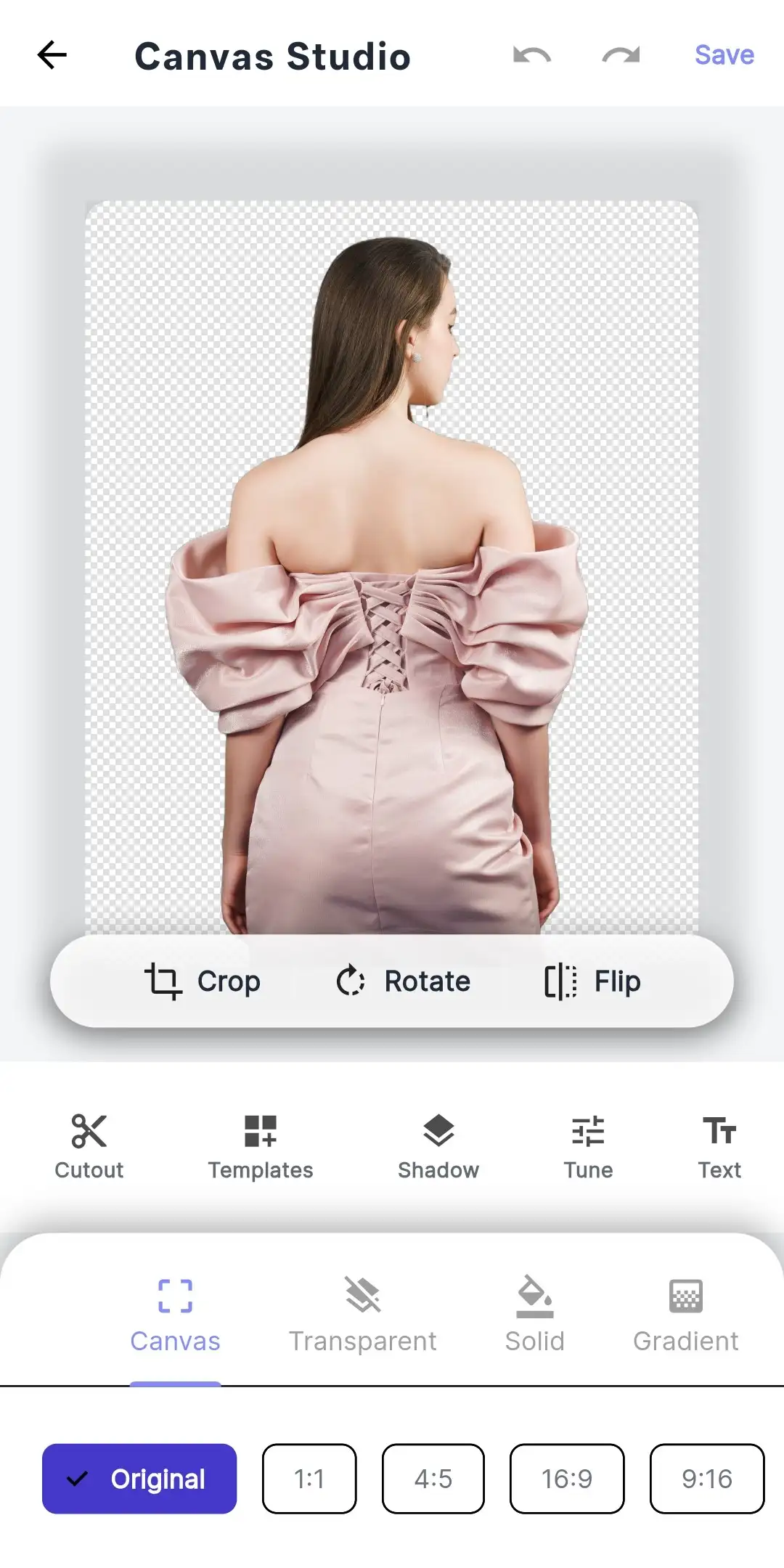
Remove BG Pro App Screenshot

Core Features

Instant Background Eraser

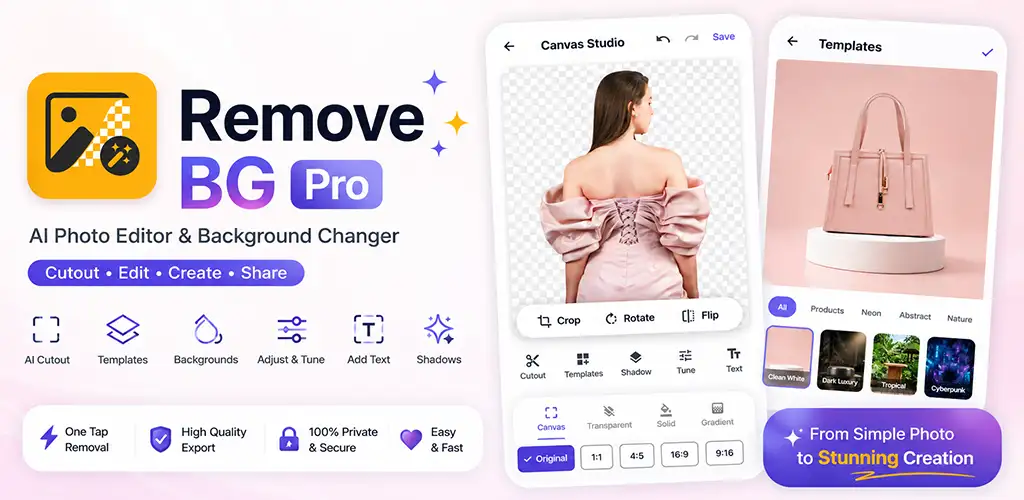
Our smart cut-out tool automatically detects the main subject in your photo and erases the background in seconds.

Dedicated Design Studios

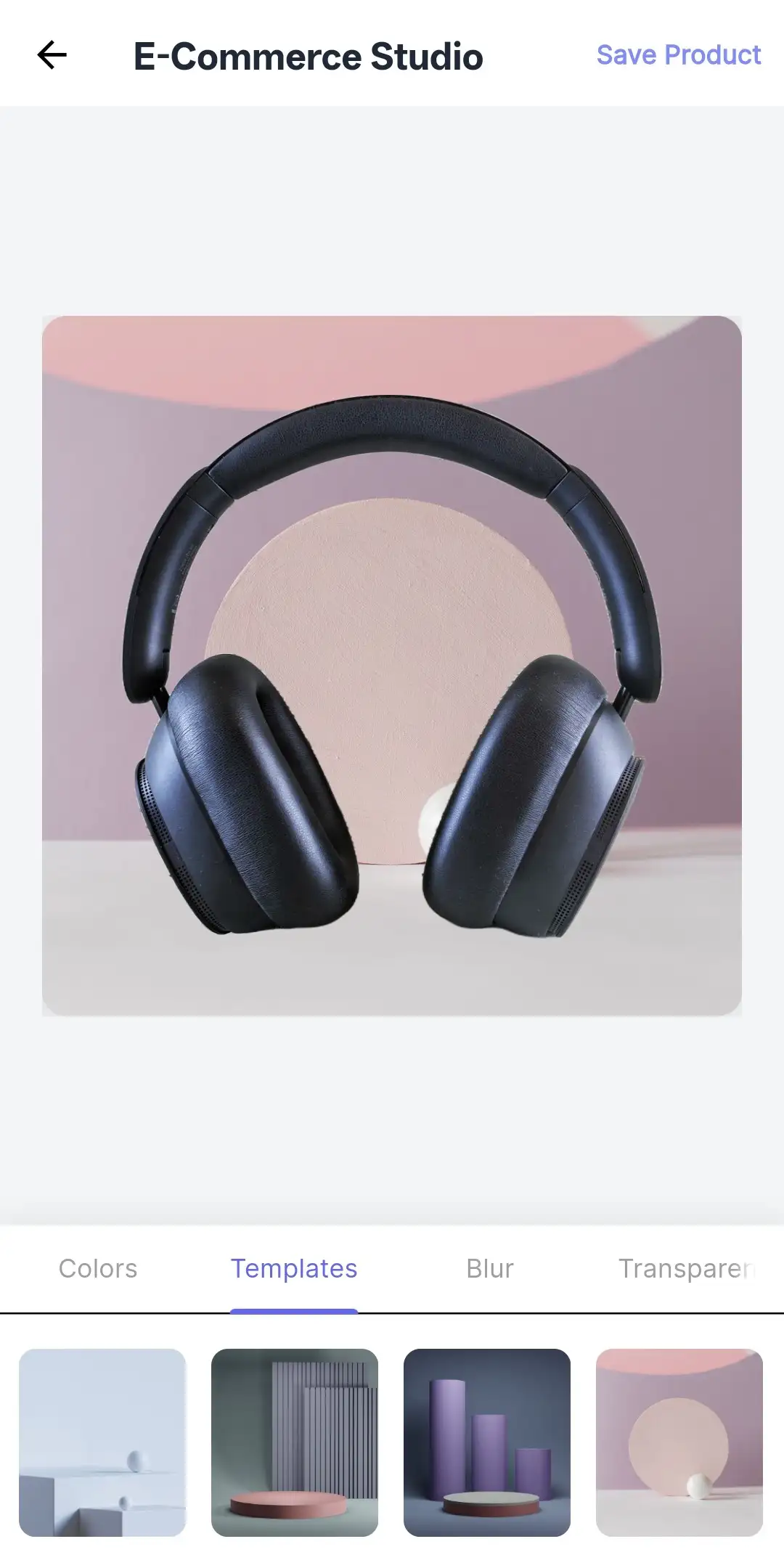
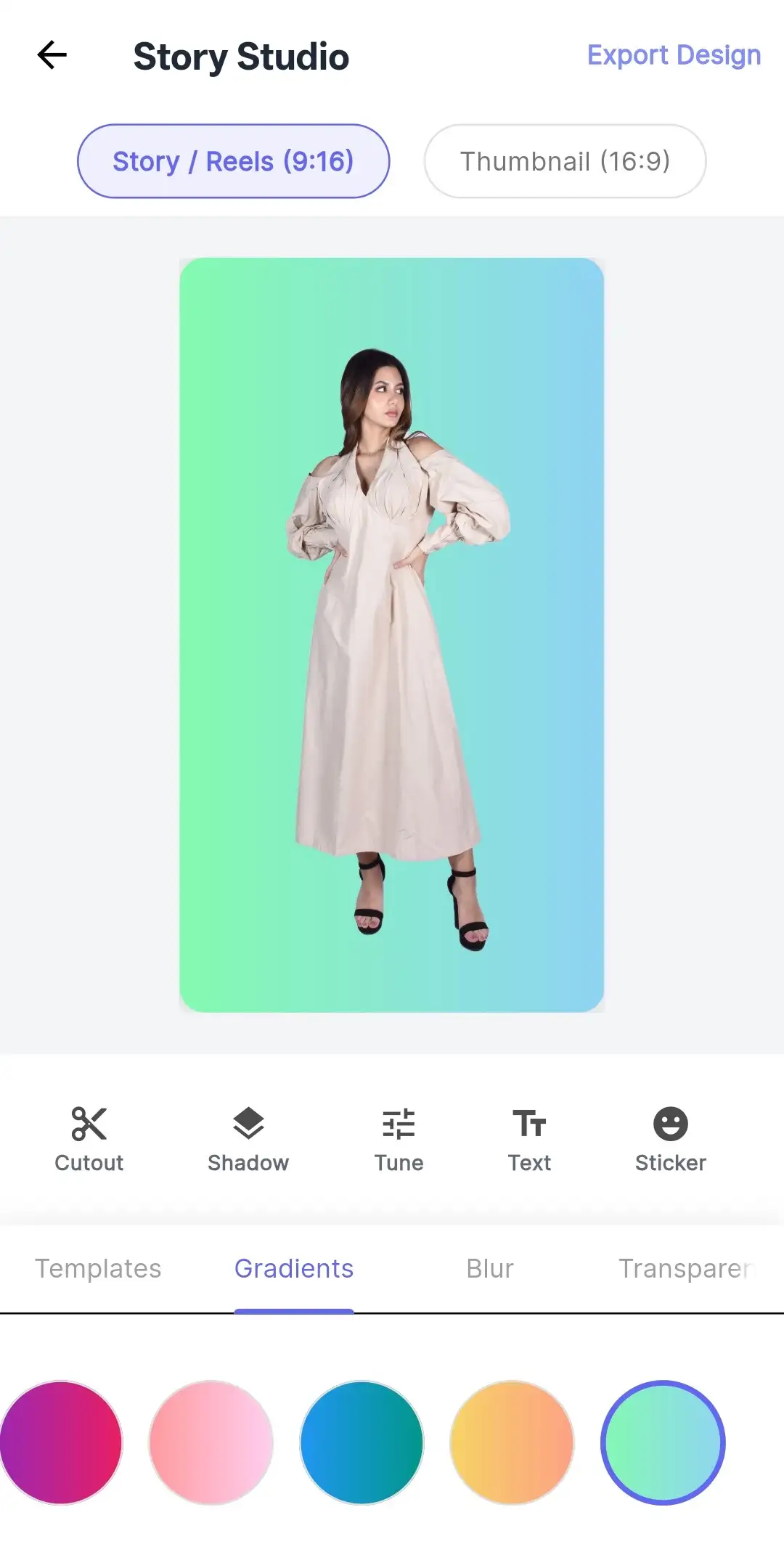
Specialized editing studios for E-commerce, Passport Photos, Vehicles, and Marketing graphics.

Creative Templates

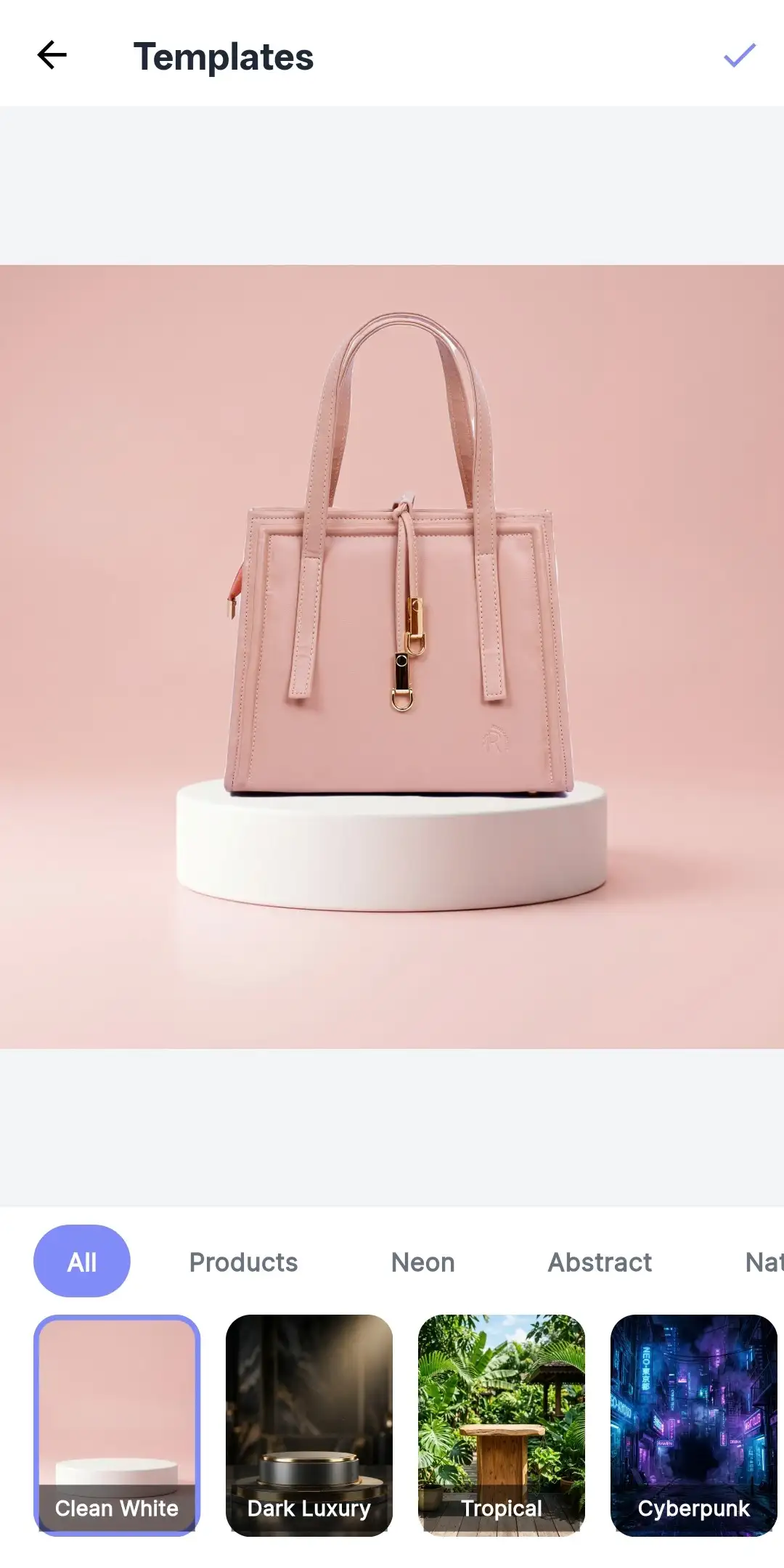
Choose from our library of built-in templates, including nature scenes, cyberpunk cityscapes, and abstract textures.

Shadows & Outlines

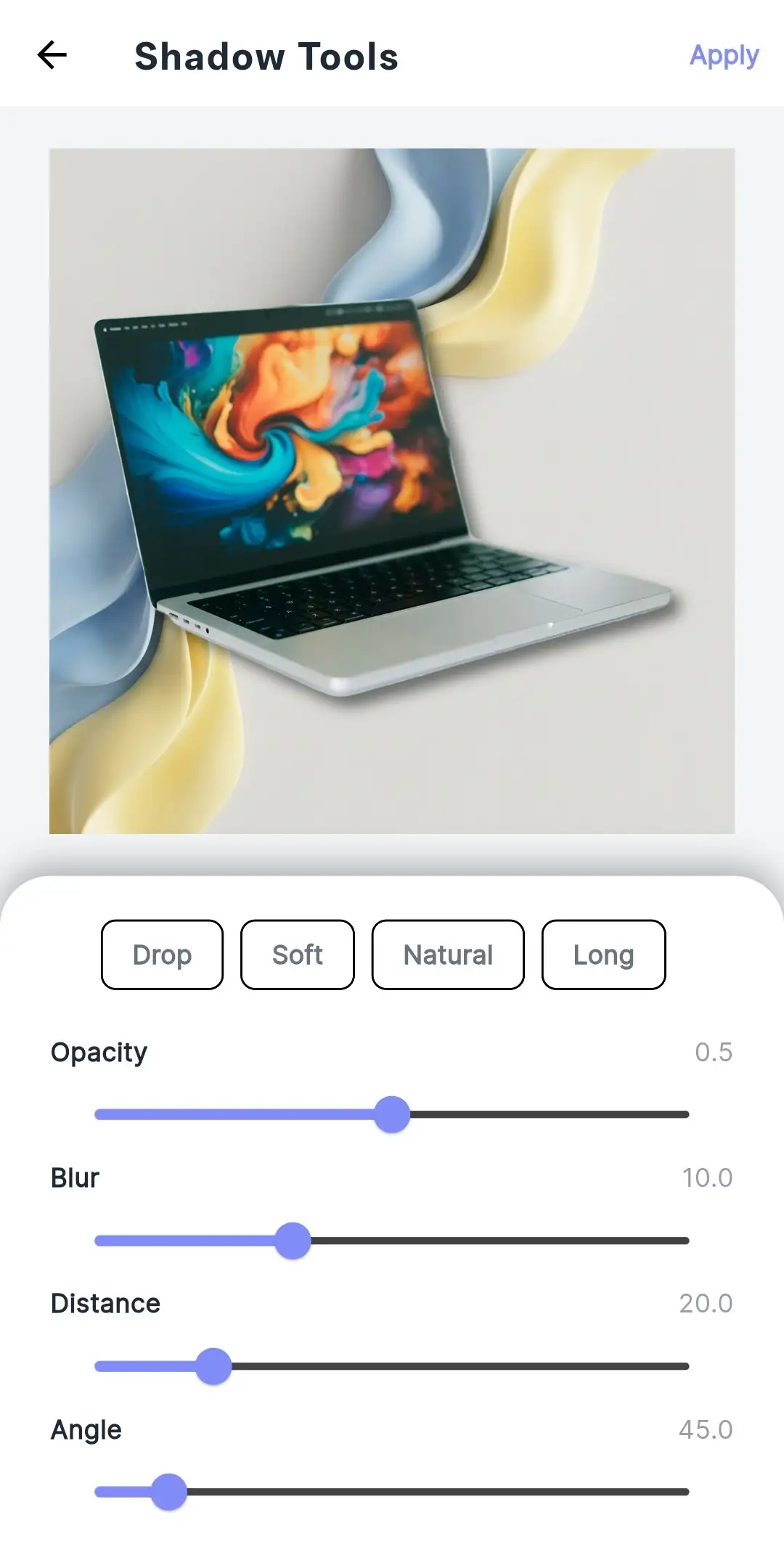
Add realistic drop shadows and colorful neon borders to make your subjects pop and look completely natural.

Text & Typography

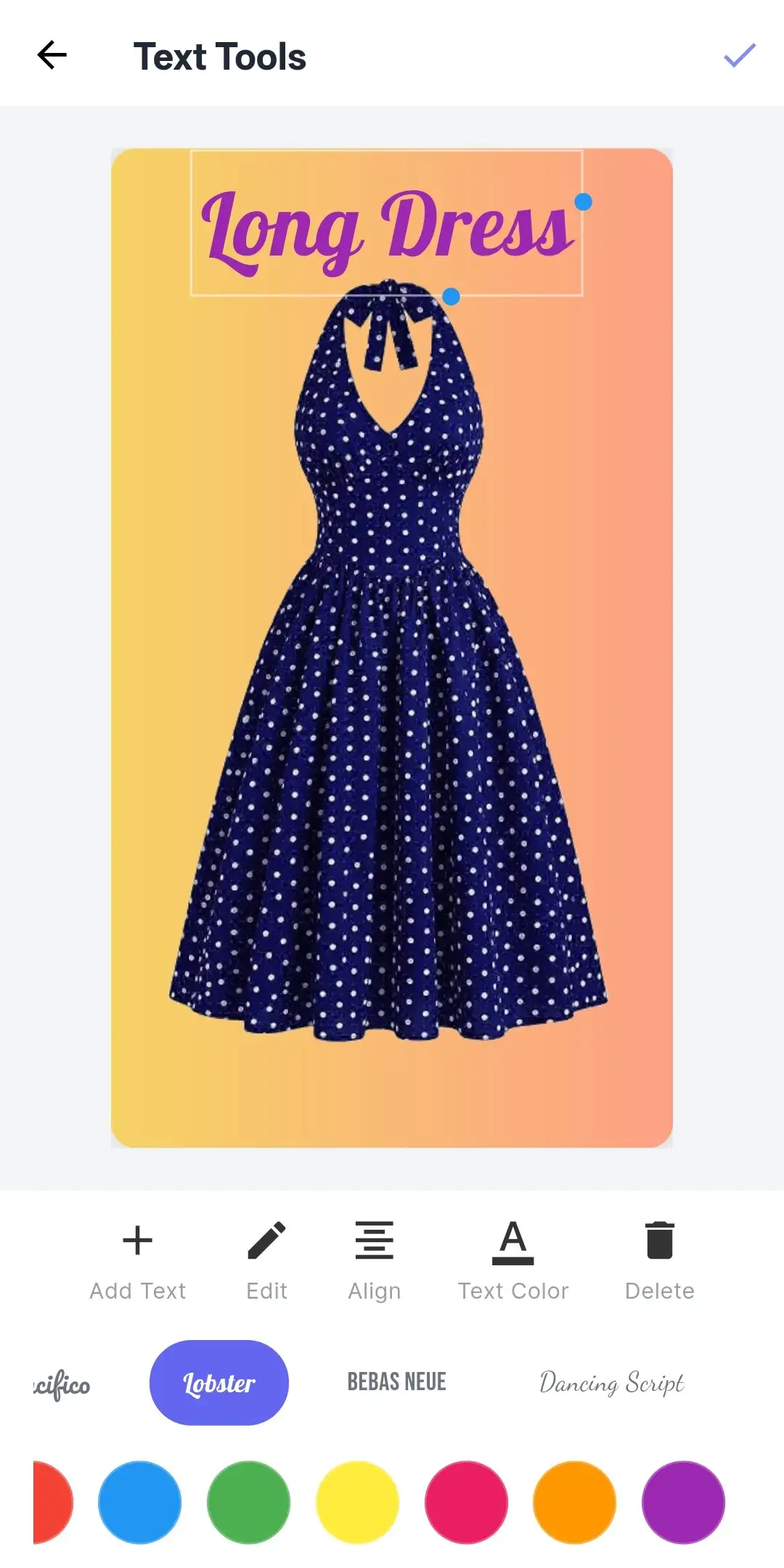
Add custom text with a huge selection of fonts. Easily adjust color, size, and alignment.

High-Quality Exports

Save your work in high resolution. Choose Standard HD for quick sharing, or Ultra HD for crisp, professional printing.

Feature Banner - Remove BG Pro App

Screenshots

Screenshot 1 - Remove BG Pro App Screenshot 2 - Remove BG Pro App Screenshot 3 - Remove BG Pro App Screenshot 4 - Remove BG Pro App Screenshot 5 - Remove BG Pro App Screenshot 6 - Remove BG Pro App Screenshot 7 - Remove BG Pro App Screenshot 8 - Remove BG Pro App

Frequently Asked Questions

What is Remove BG Pro?

Remove BG Pro is an Android photo-cutout and design app for removing backgrounds, replacing scenes and preparing product images, portraits and marketing graphics.

Can I replace an erased background?

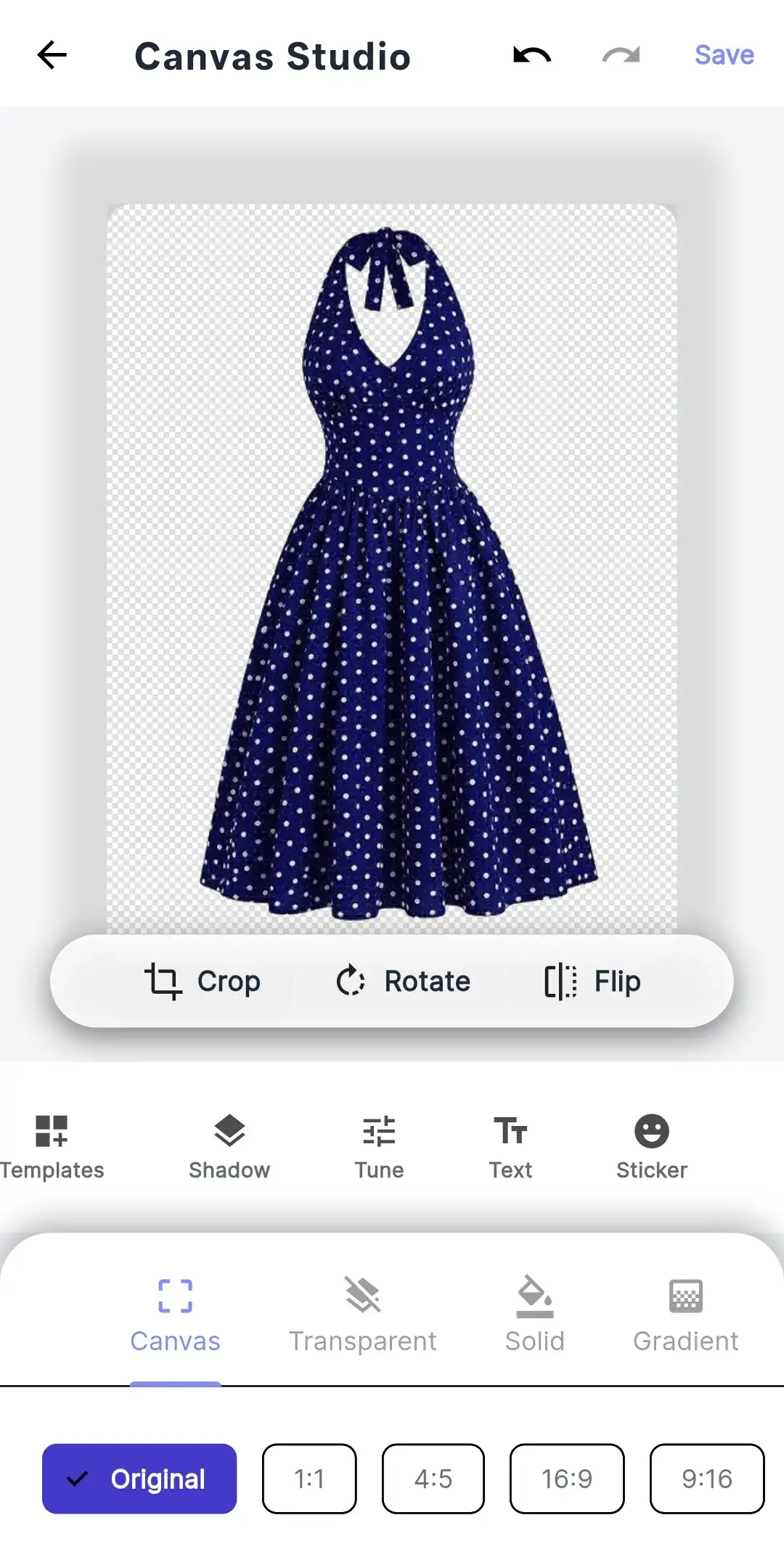
Yes. After removing the original background, you can use a solid color or choose from creative backgrounds and templates.

What design studios are included?

The app page describes dedicated studios for e-commerce, passport photos, vehicles and marketing graphics.

Can I add shadows, outlines or text?

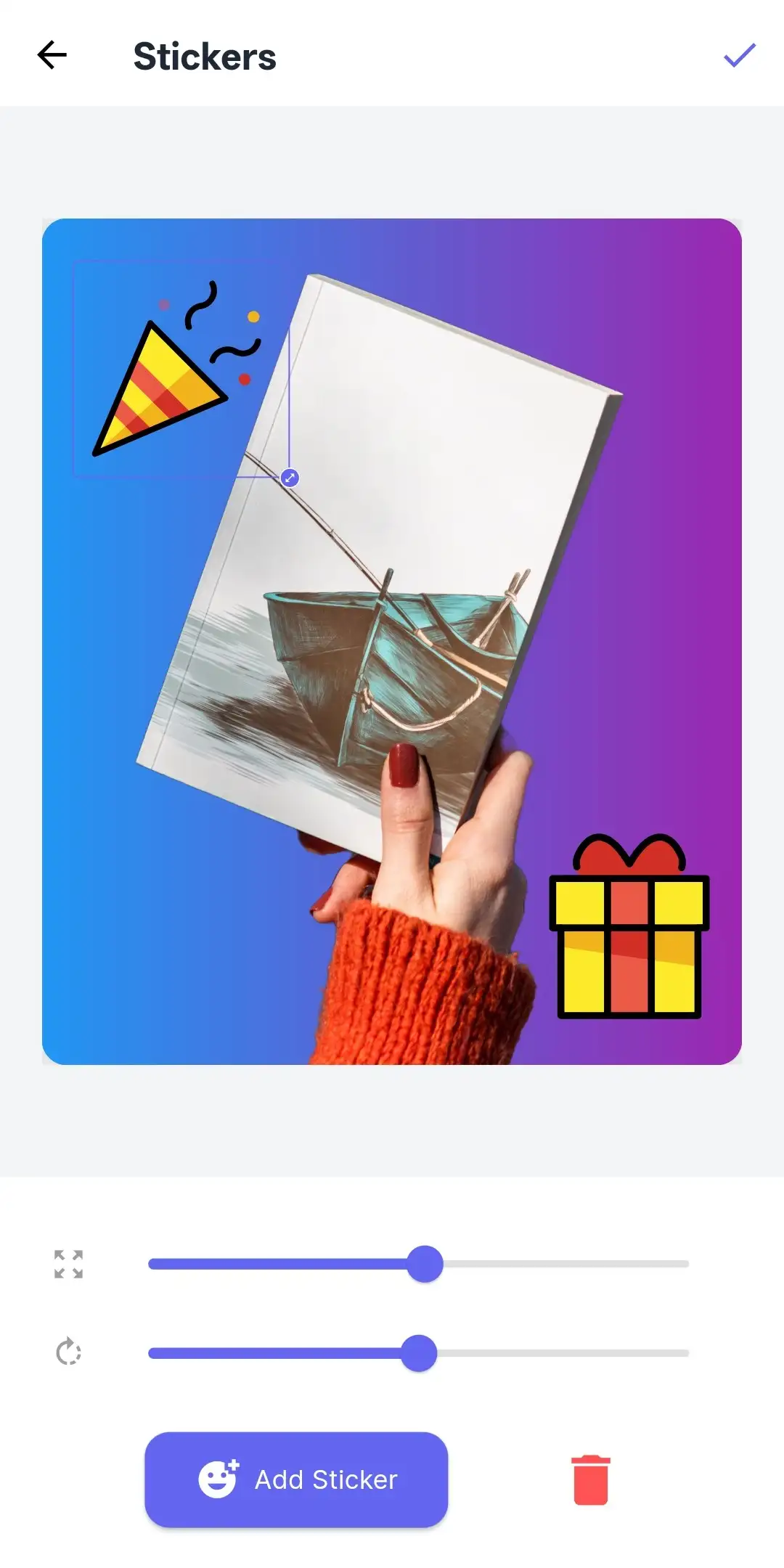
Yes. You can add drop shadows, outline effects and text, then adjust text styling, color, size and alignment.

What export options are available?

The app includes Standard HD and Ultra HD export options. Choose an output suited to your intended use and inspect the result before publishing or printing.

How can I get support for Remove BG Pro?

Email devdipweb@gmail.com with the app name, your device model and a description of the issue. Do not send passwords or sensitive files. The privacy policy explains how support messages are handled.

Read the Privacy Policy · Contact Support