Shake Flashlight Pro
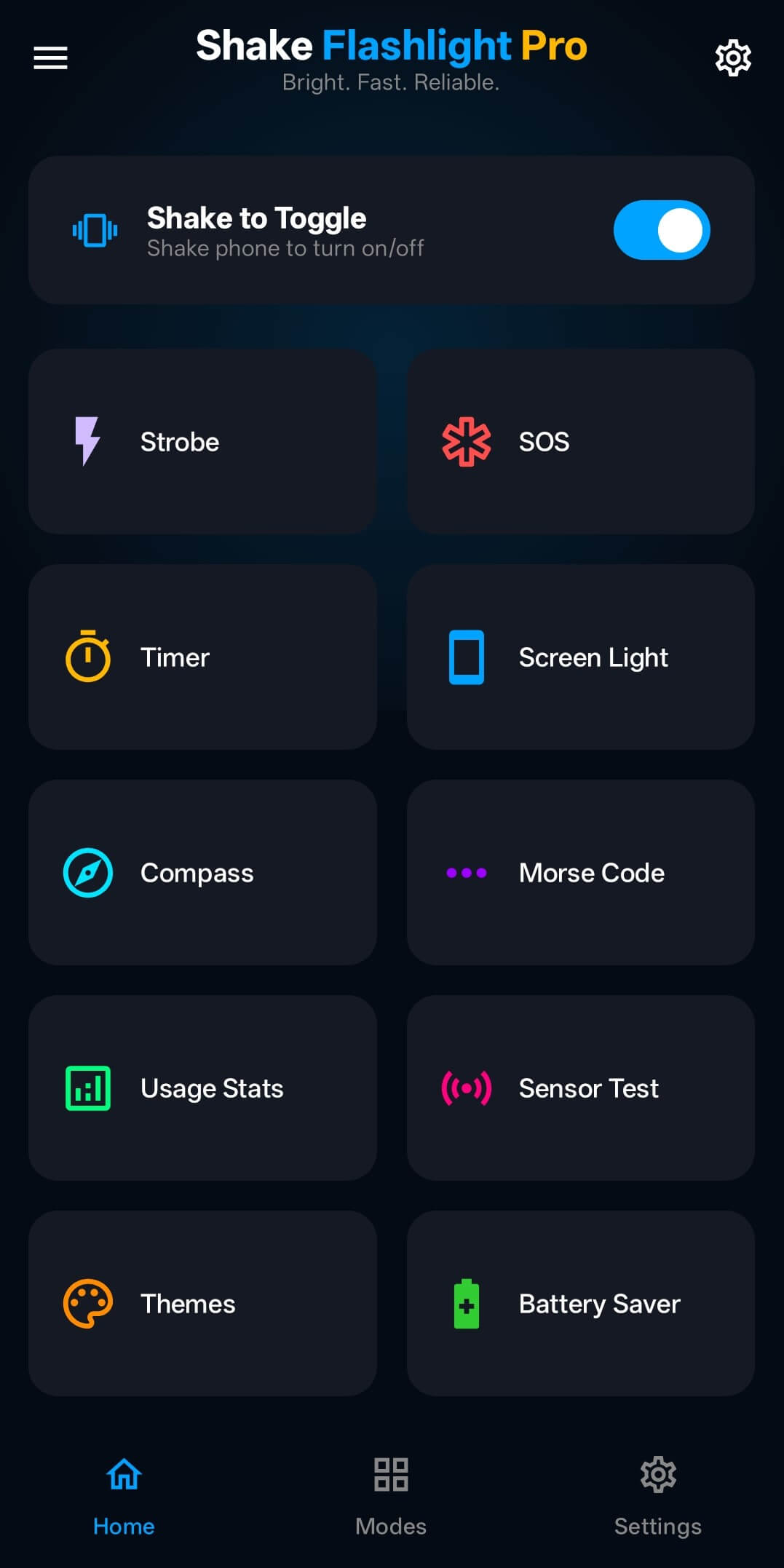
The ultimate premium flashlight utility. Instantly turn your camera flash into a powerful torch just by shaking your phone—even when the screen is locked.
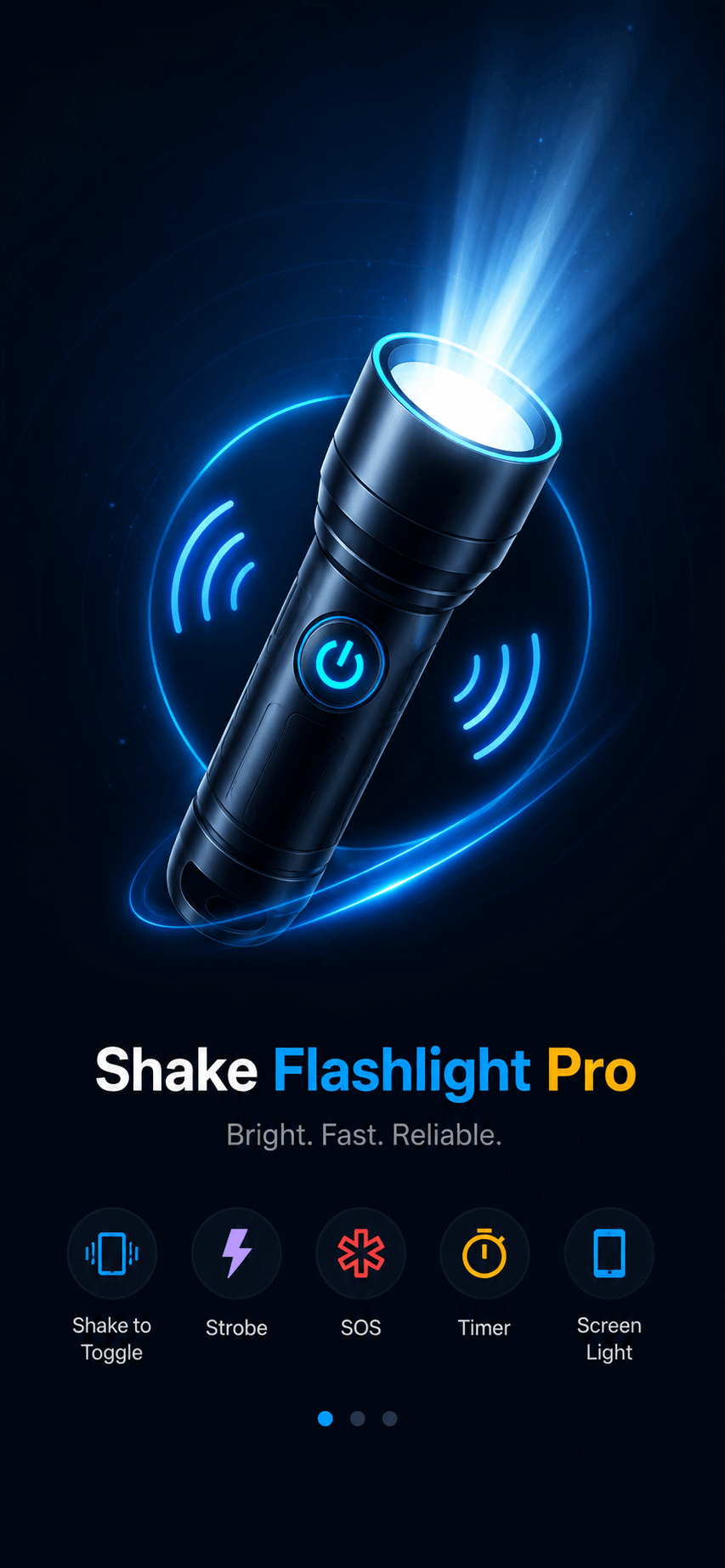
The ultimate premium flashlight utility. Instantly turn your camera flash into a powerful torch just by shaking your phone—even when the screen is locked.
Never fumble in the dark again. A simple flick of the wrist turns your flashlight on or off instantly.
Built-in international Morse Code SOS signaling for emergencies at the tap of a button.
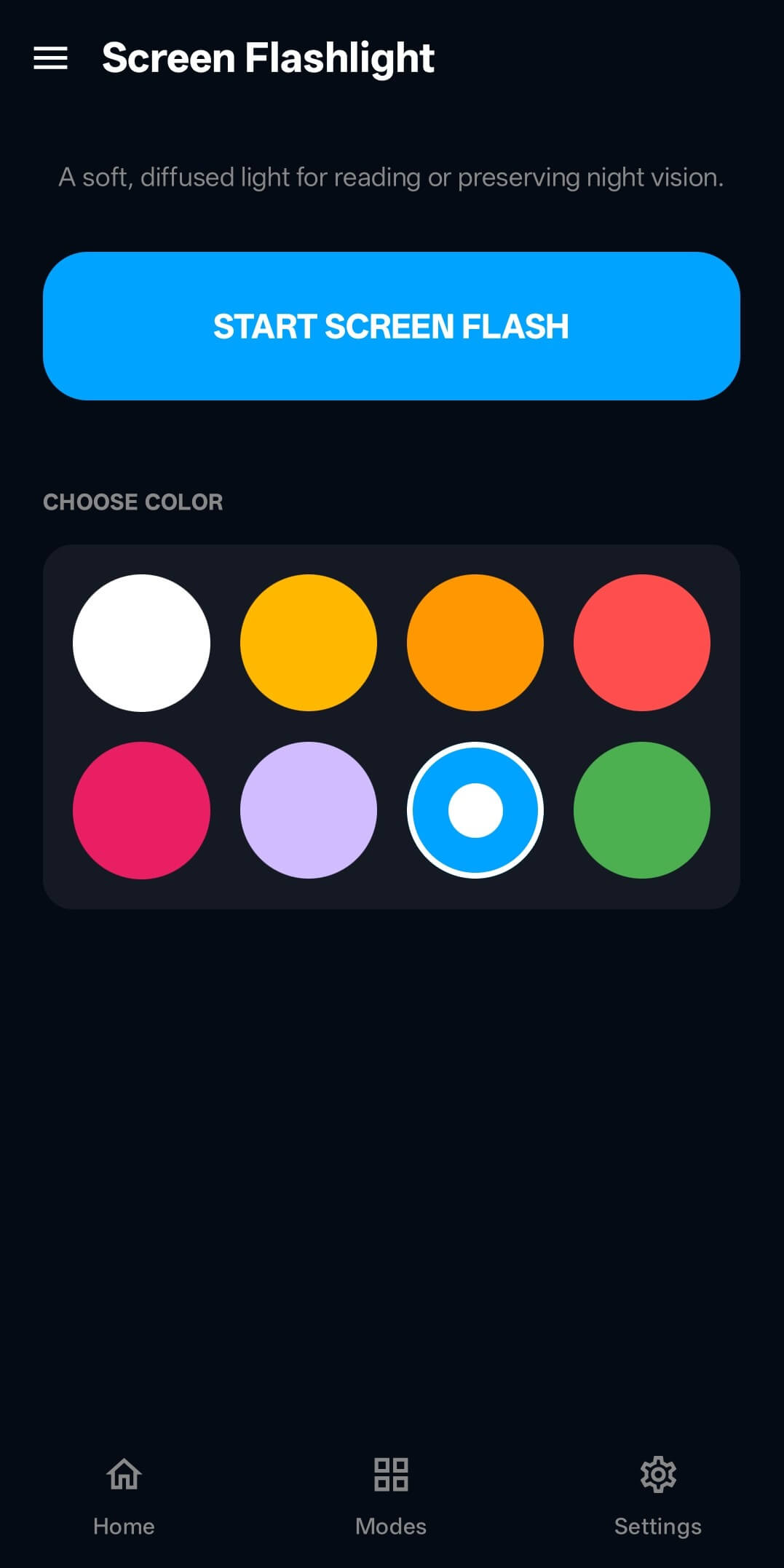
No camera flash? No problem. Use your device's screen as a high-brightness light source.
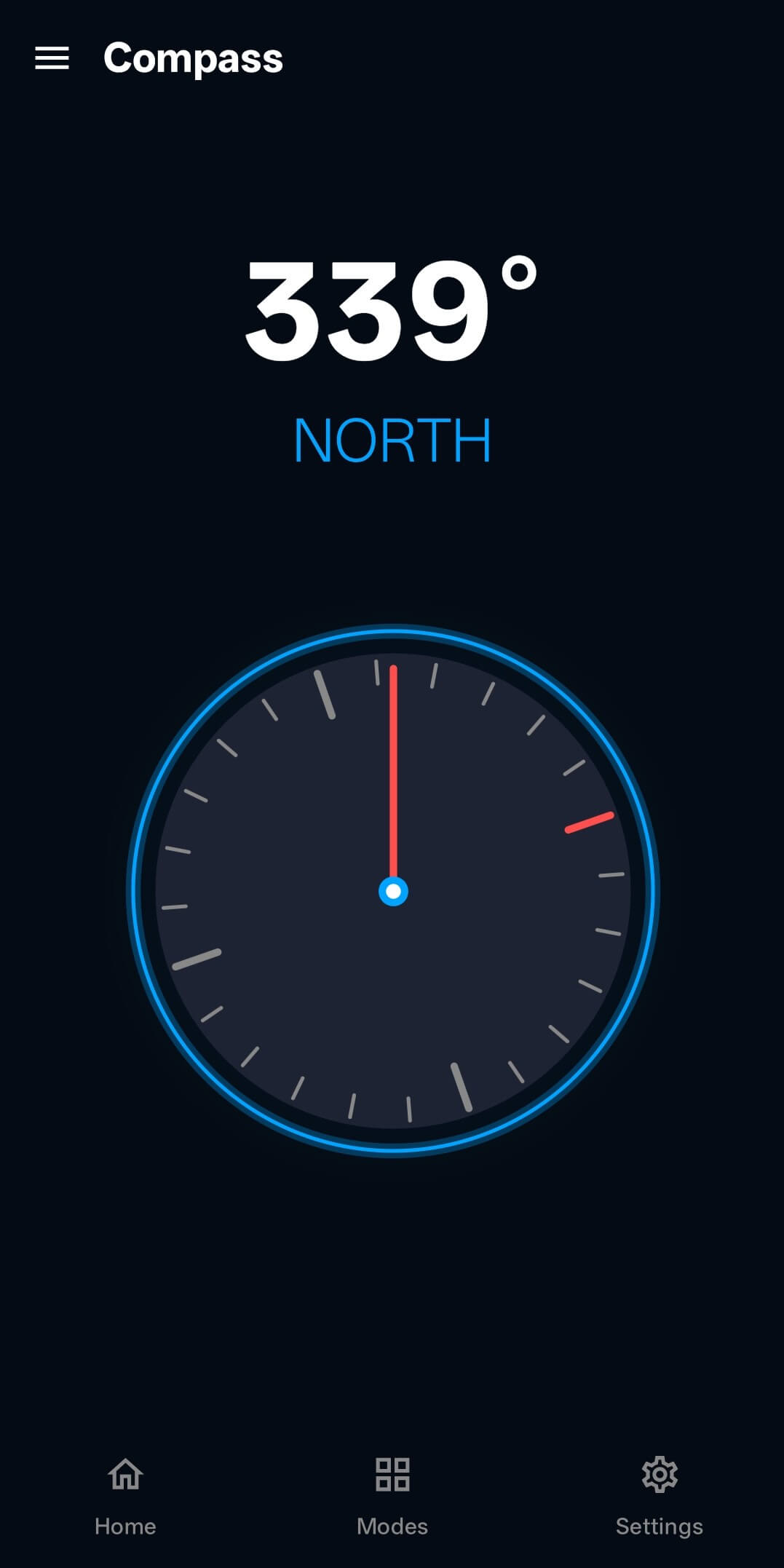
Navigate your way in the dark with a highly accurate, built-in digital compass.
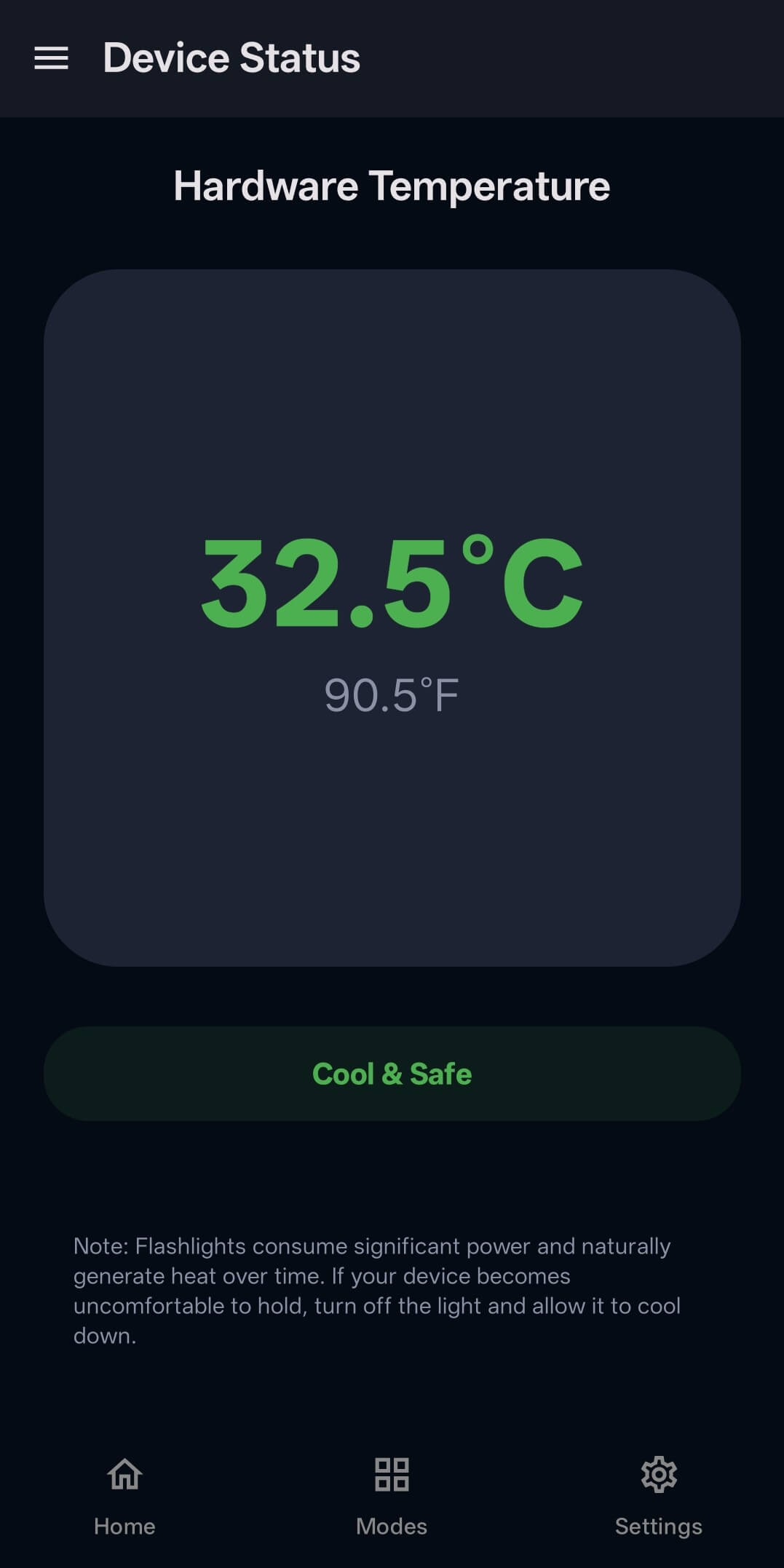
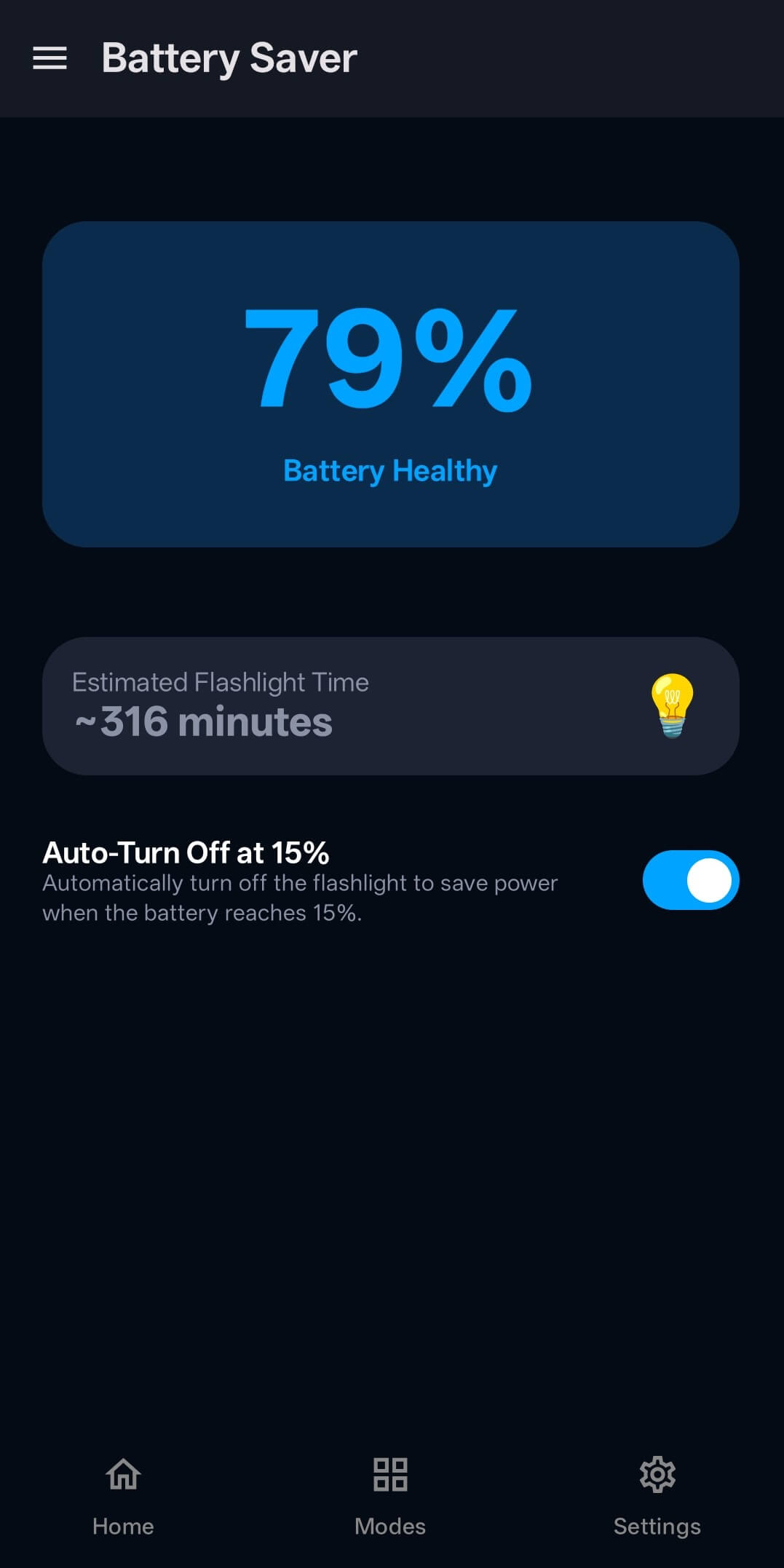
Keep track of your battery health, temperature, and voltage to optimize your device's lifespan.
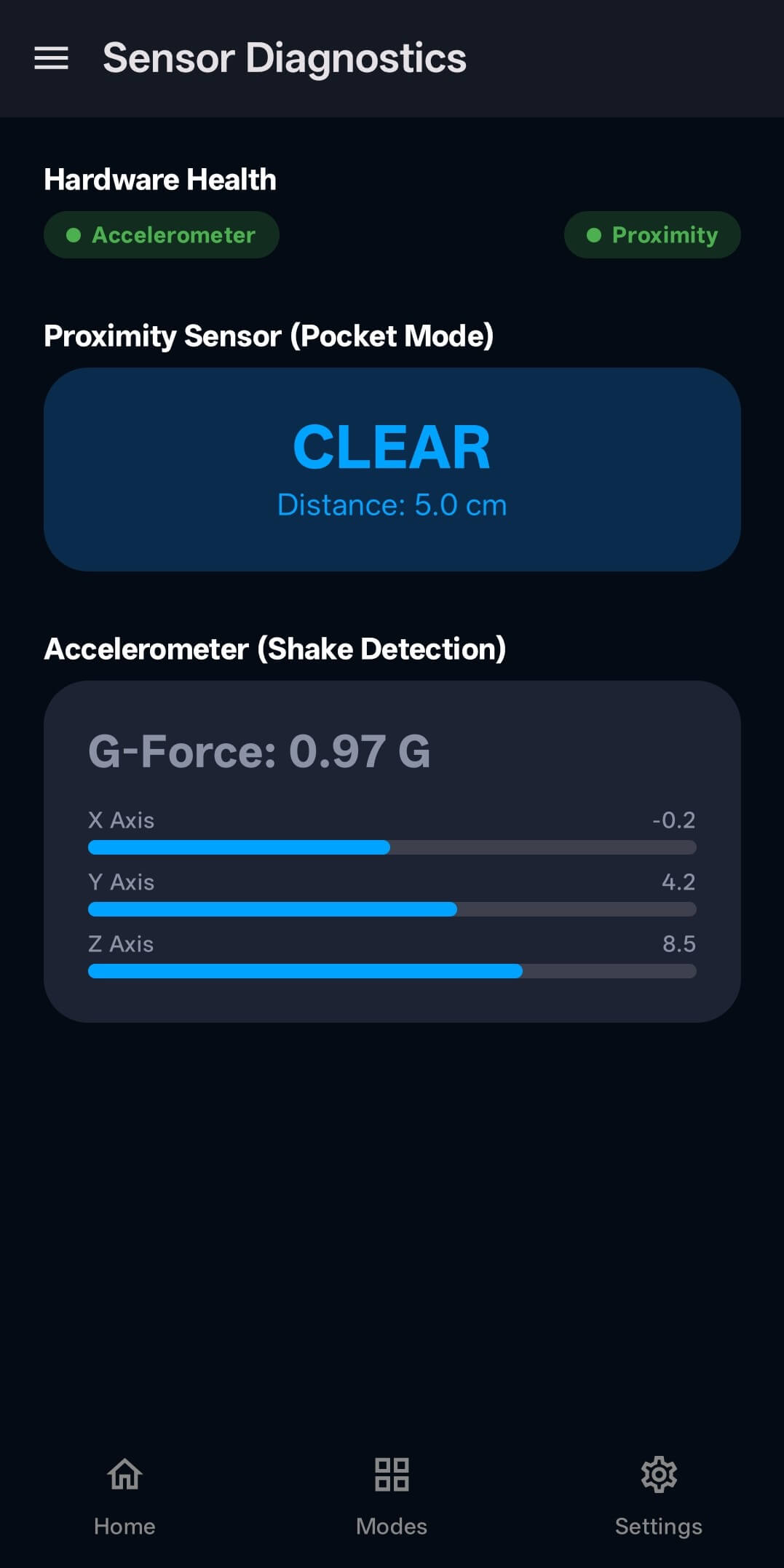
View real-time hardware diagnostics and system information right from the dashboard.
Control your flashlight and SOS functions instantly with customizable Android widgets.
Customize shake sensitivity and configure auto-off timers to perfectly match your preferences.
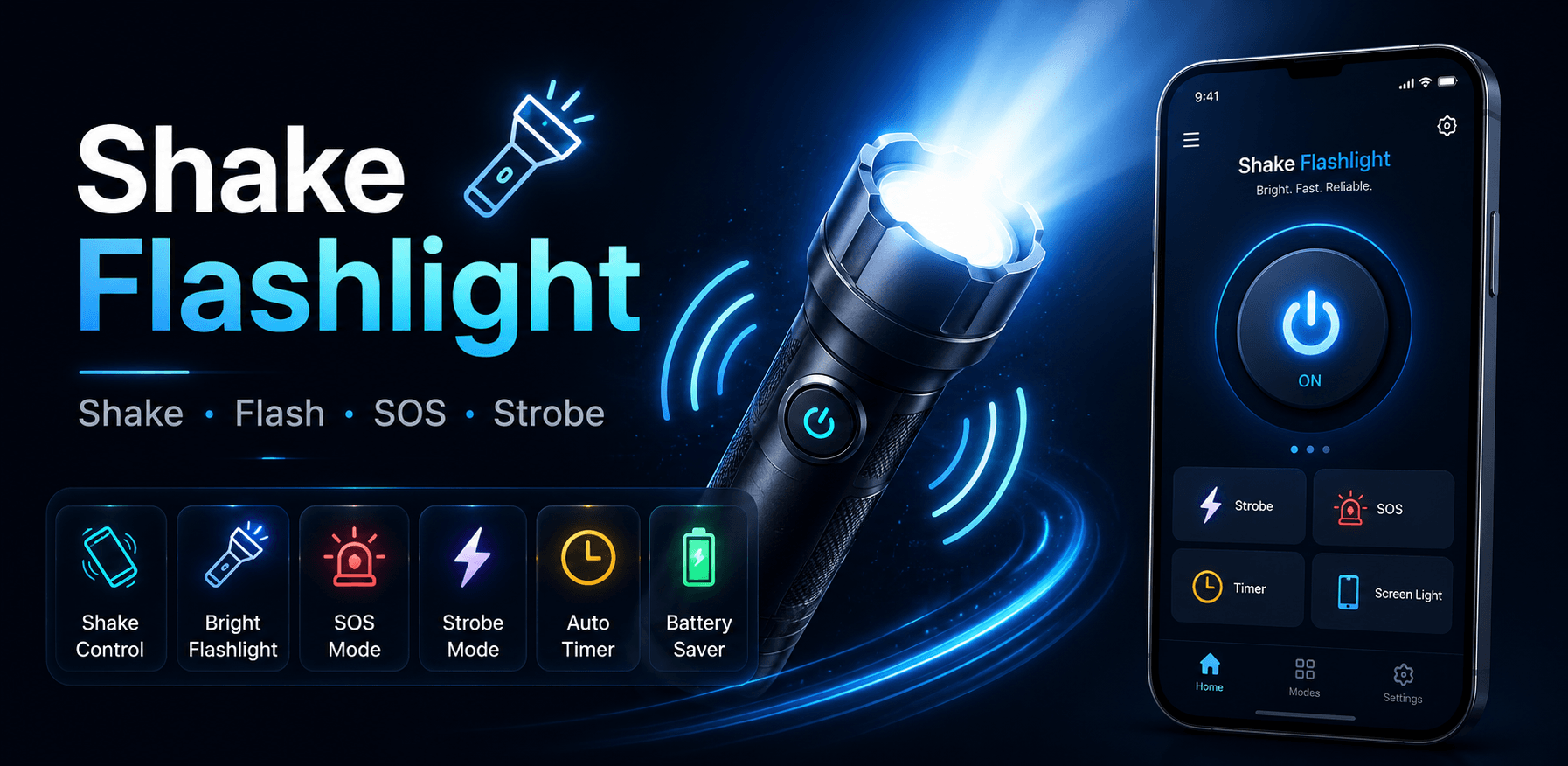
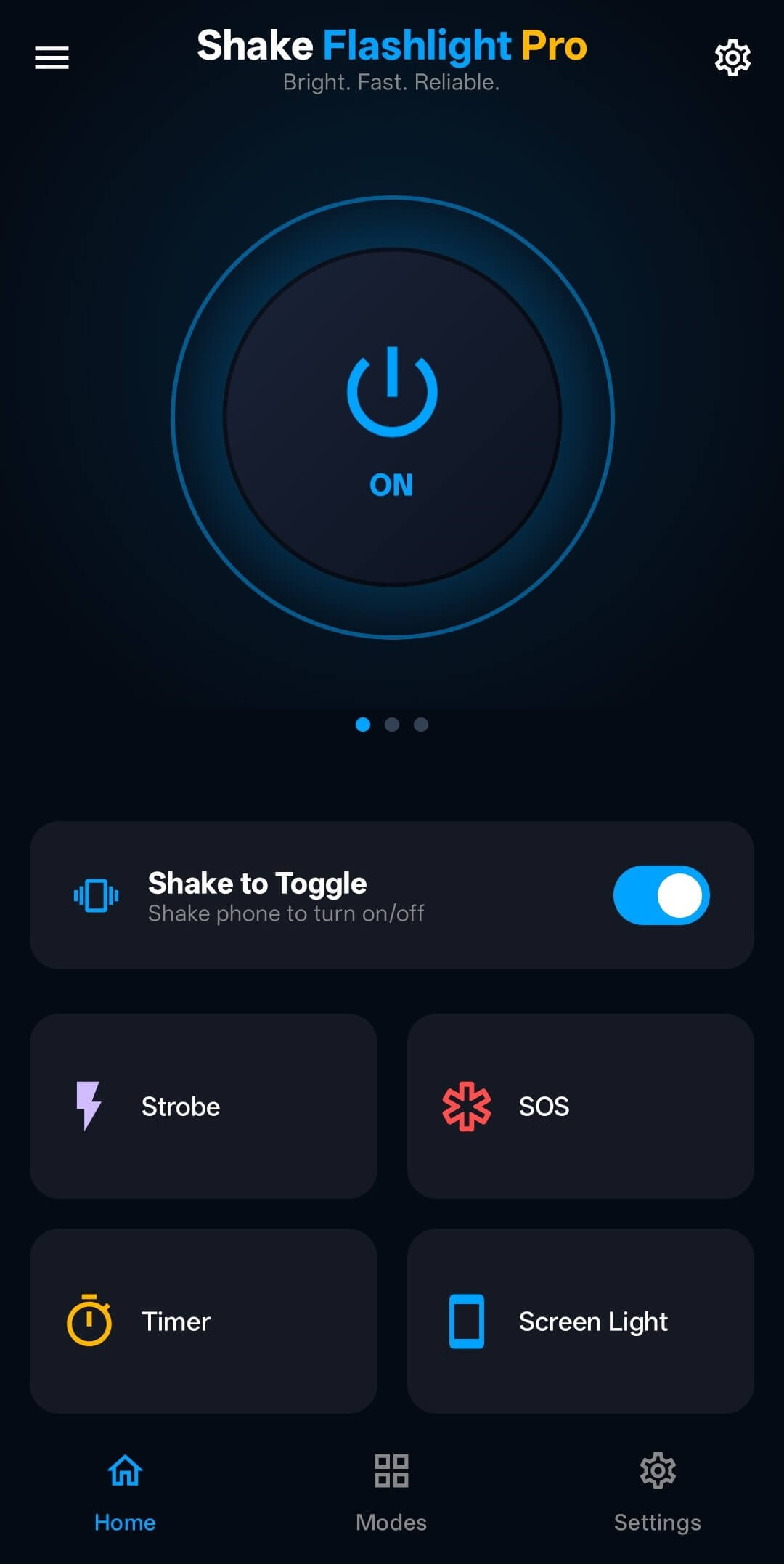
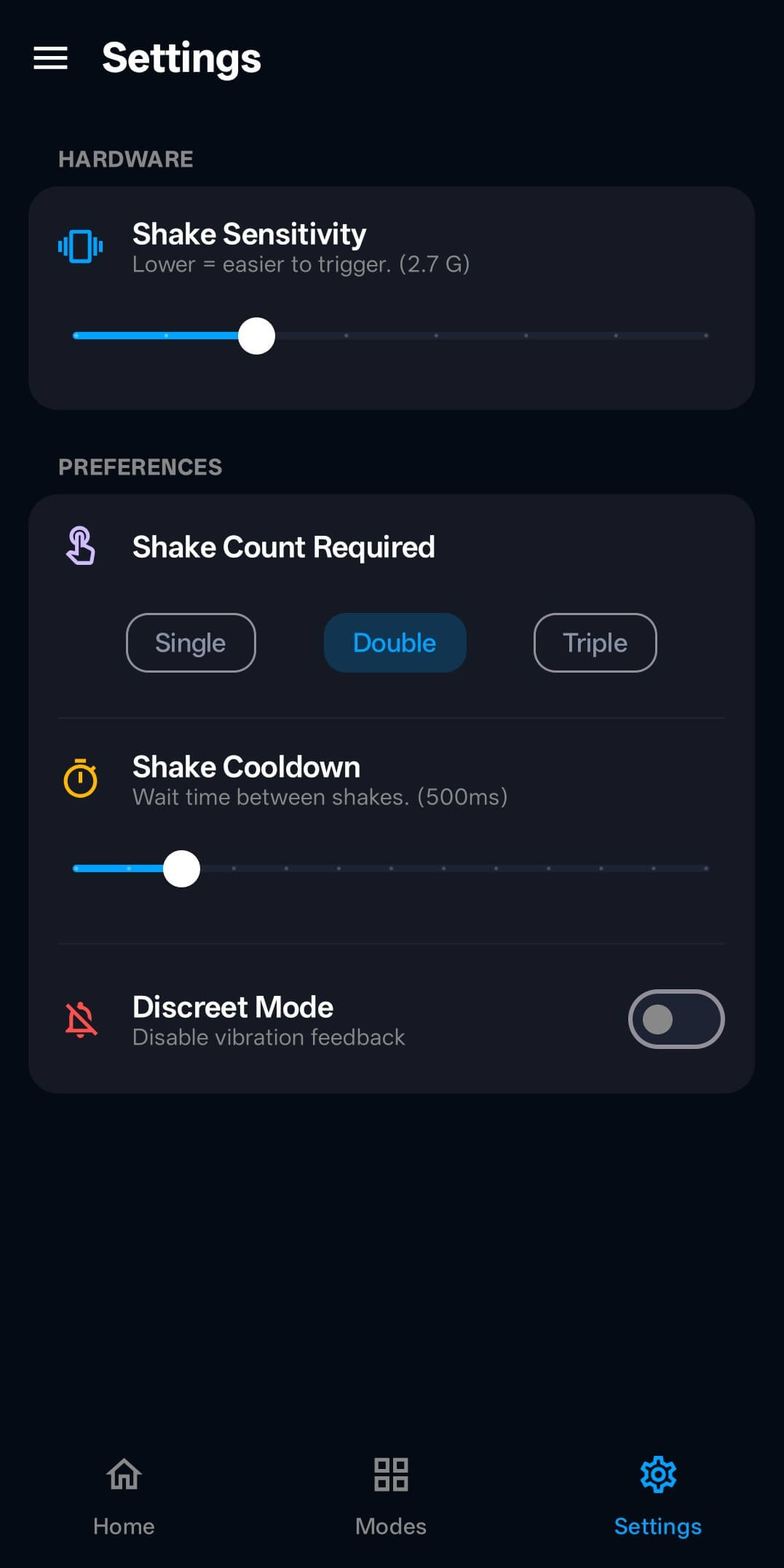
Shake to Flash uses a shake gesture to toggle the device’s flashlight. You can adjust shake sensitivity in the app’s settings.
The Screen Flash feature uses the display as a light source when a camera flash is unavailable.
Yes. Smart Settings includes an auto-off timer so you can choose how long the light stays on.
Yes. SOS Mode flashes a Morse-code SOS pattern. A flashlight signal does not contact emergency services or replace a call for help.
The app page lists a digital compass, battery information, device diagnostics and home-screen widgets alongside flashlight controls.
Email devdipweb@gmail.com with the app name, your device model and a description of the issue. Do not send passwords or sensitive files. The privacy policy explains how support messages are handled.