Smart Image Tools
Edit, convert, compress and enhance your images with ease. An all-in-one image toolkit built with beautiful design and complete privacy.
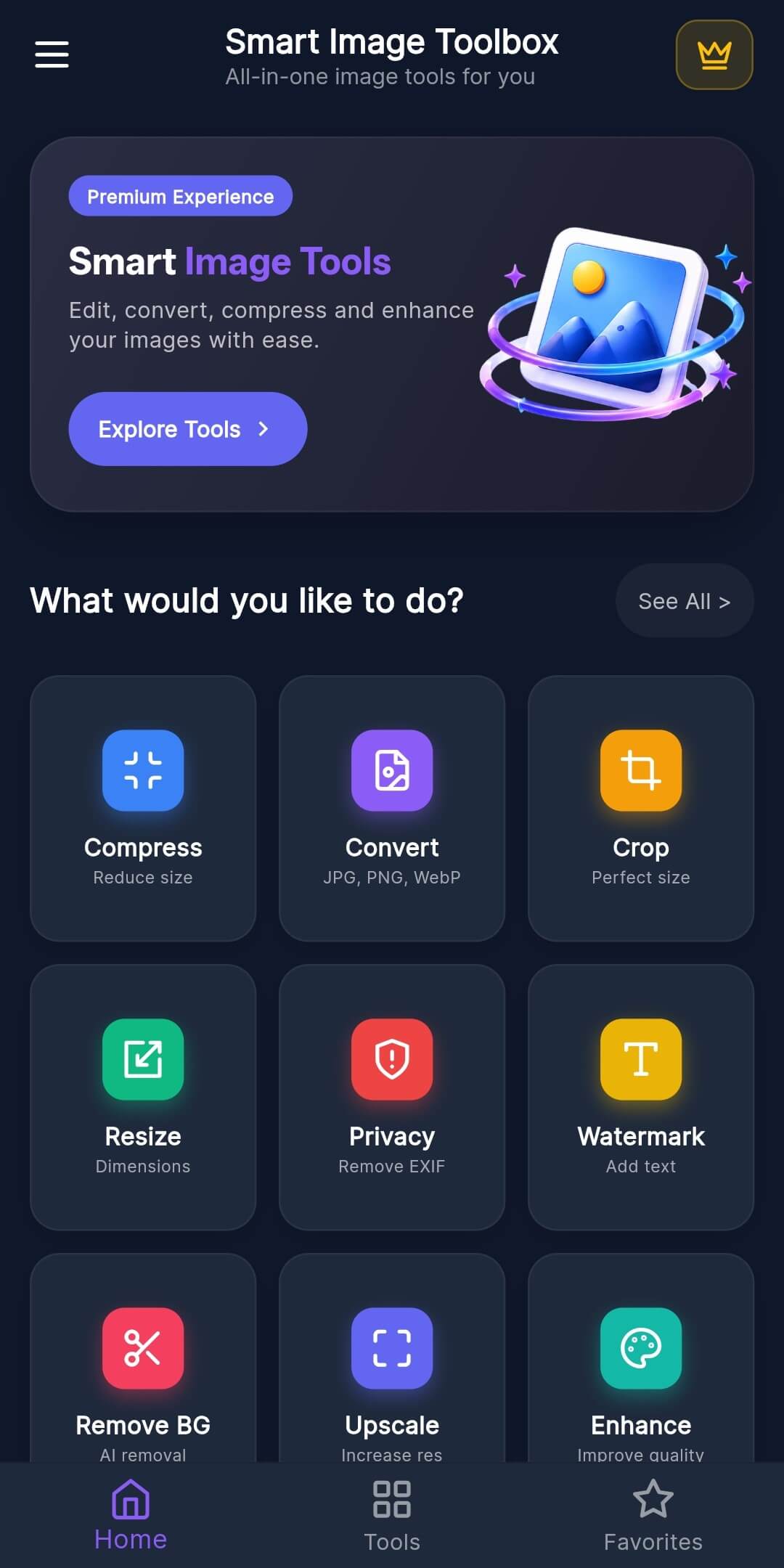
Edit, convert, compress and enhance your images with ease. An all-in-one image toolkit built with beautiful design and complete privacy.
Reduce image file sizes instantly without losing quality. Bulk compress multiple images at once to save storage.
Convert images between popular formats including JPG, PNG, and WebP natively on your device.
All core image processing (compression, conversion, cropping) happens 100% locally on your device.
Remove backgrounds, enhance quality, and upscale images using optional AI-powered cloud features.
Easily strip sensitive EXIF data, GPS coordinates, and camera information from your photos before sharing.
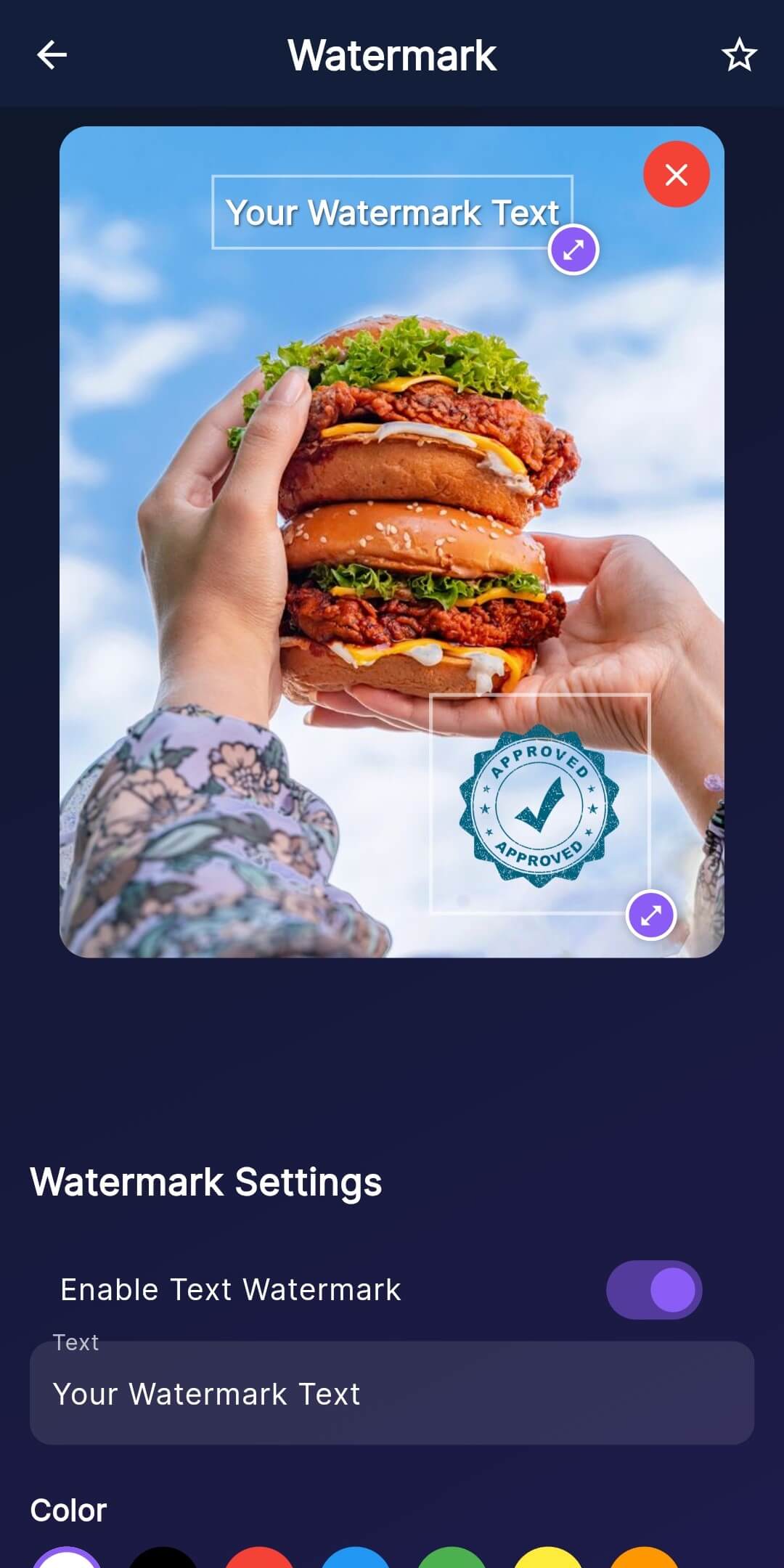
Protect your intellectual property by applying customizable text or image watermarks.
Stitch multiple images together into beautiful collages instantly.
Apply compression, conversion, or watermarking to entire batches of photos at the same time.
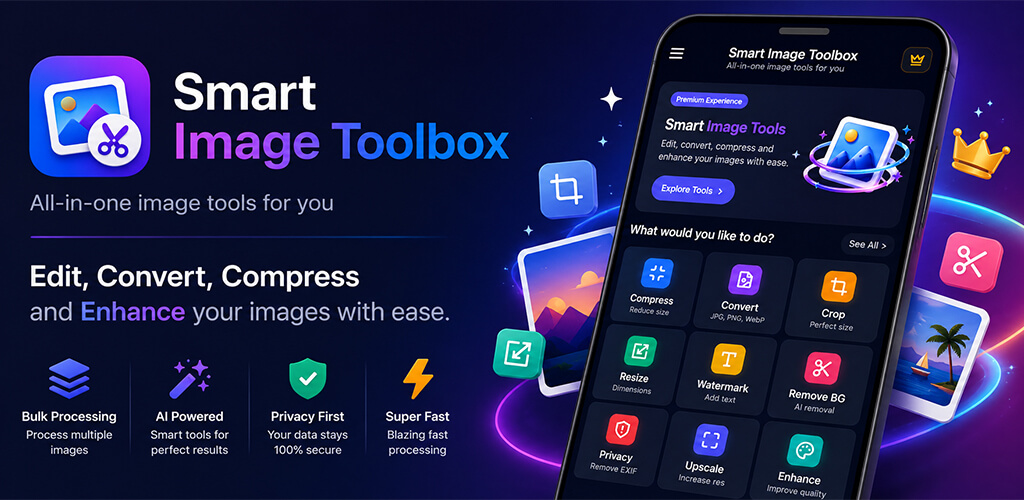
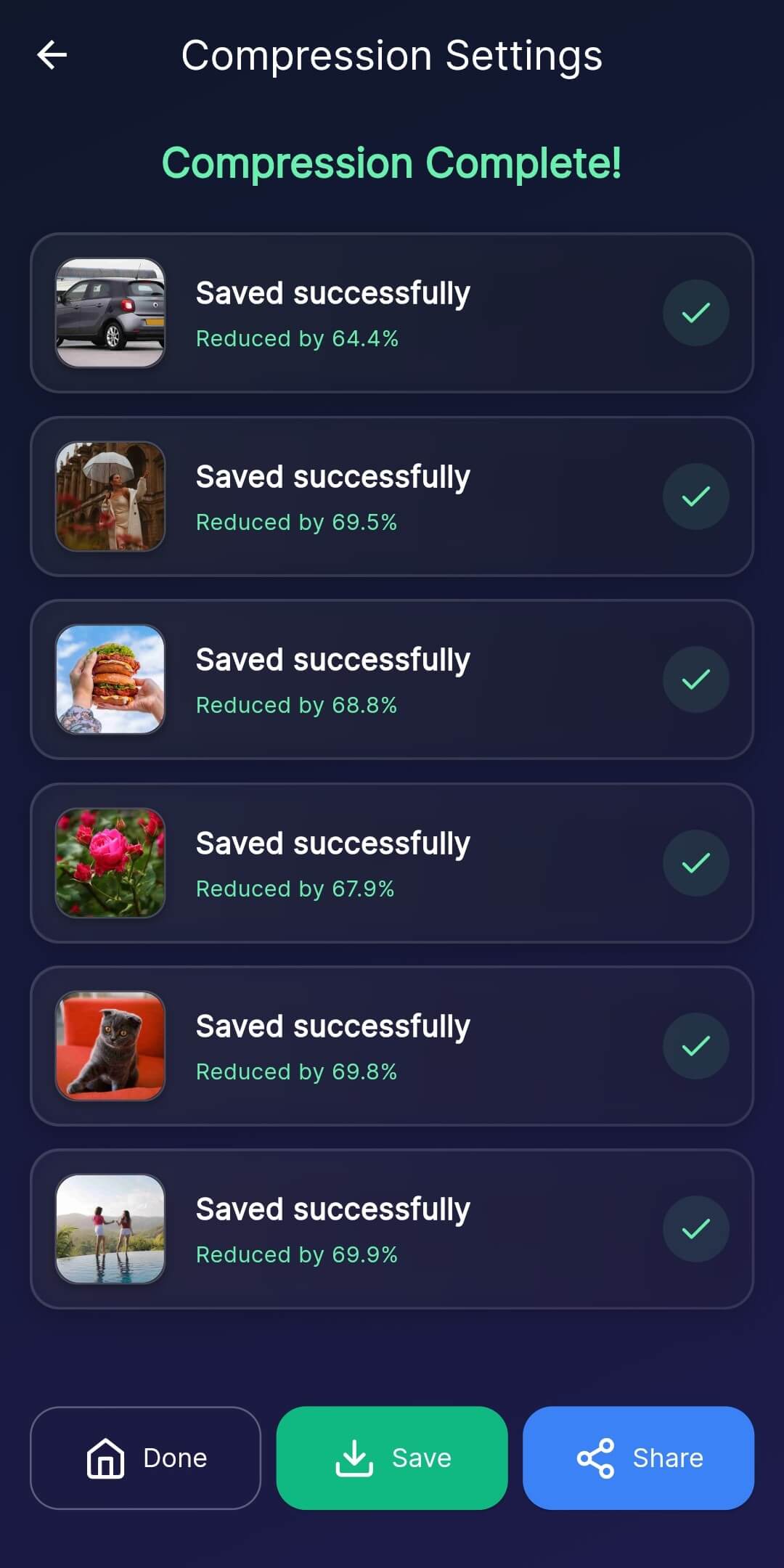
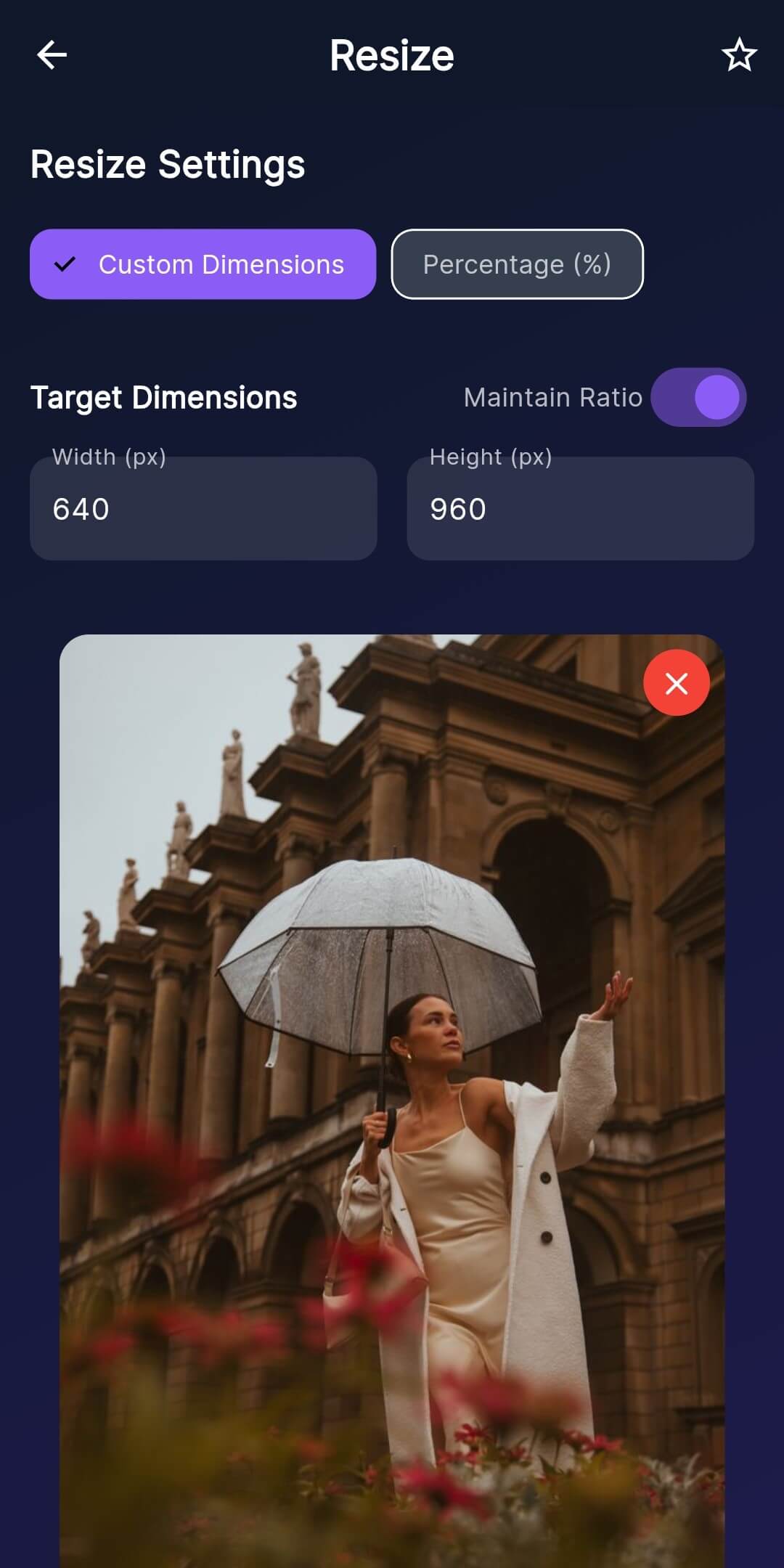
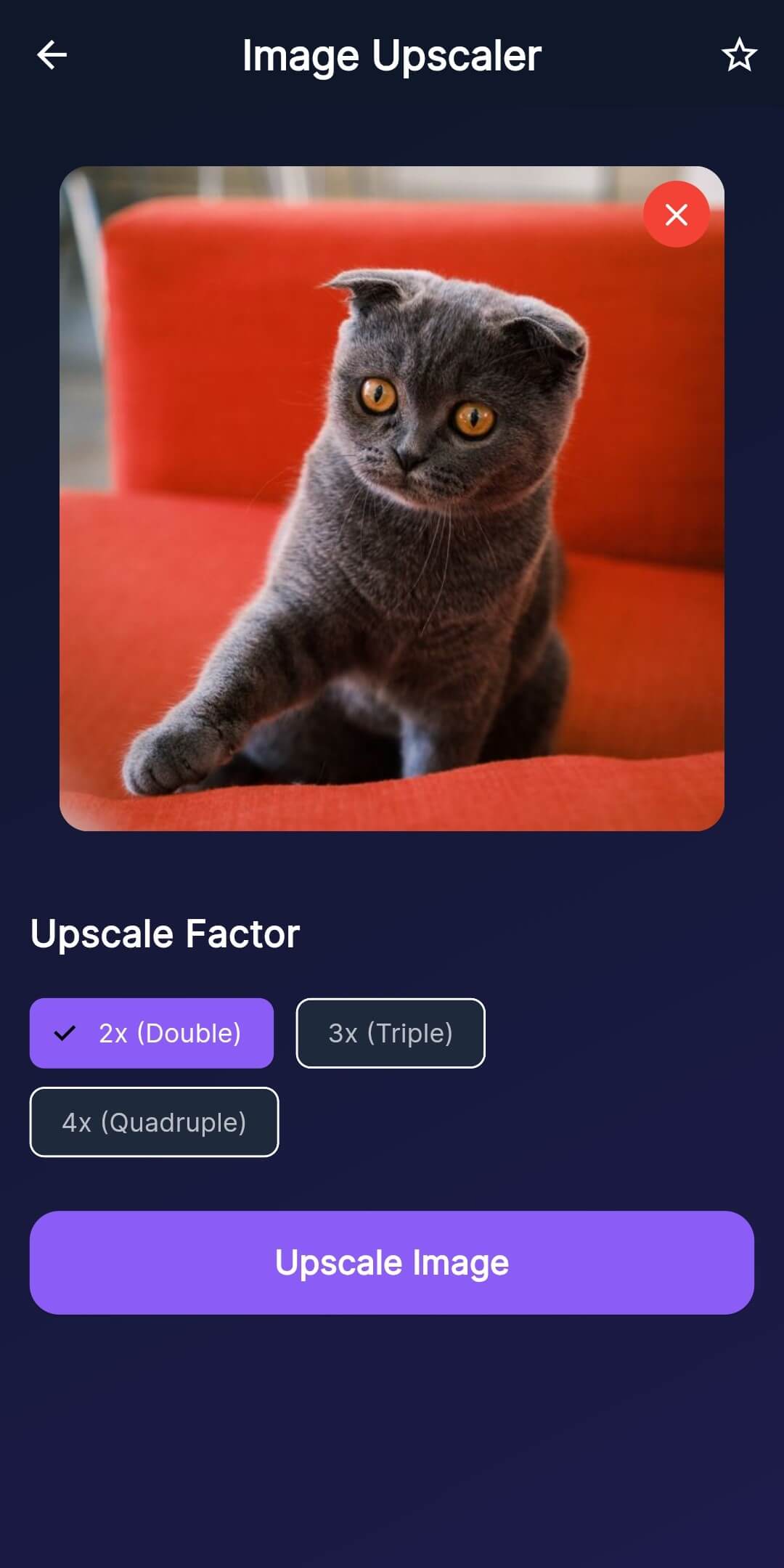
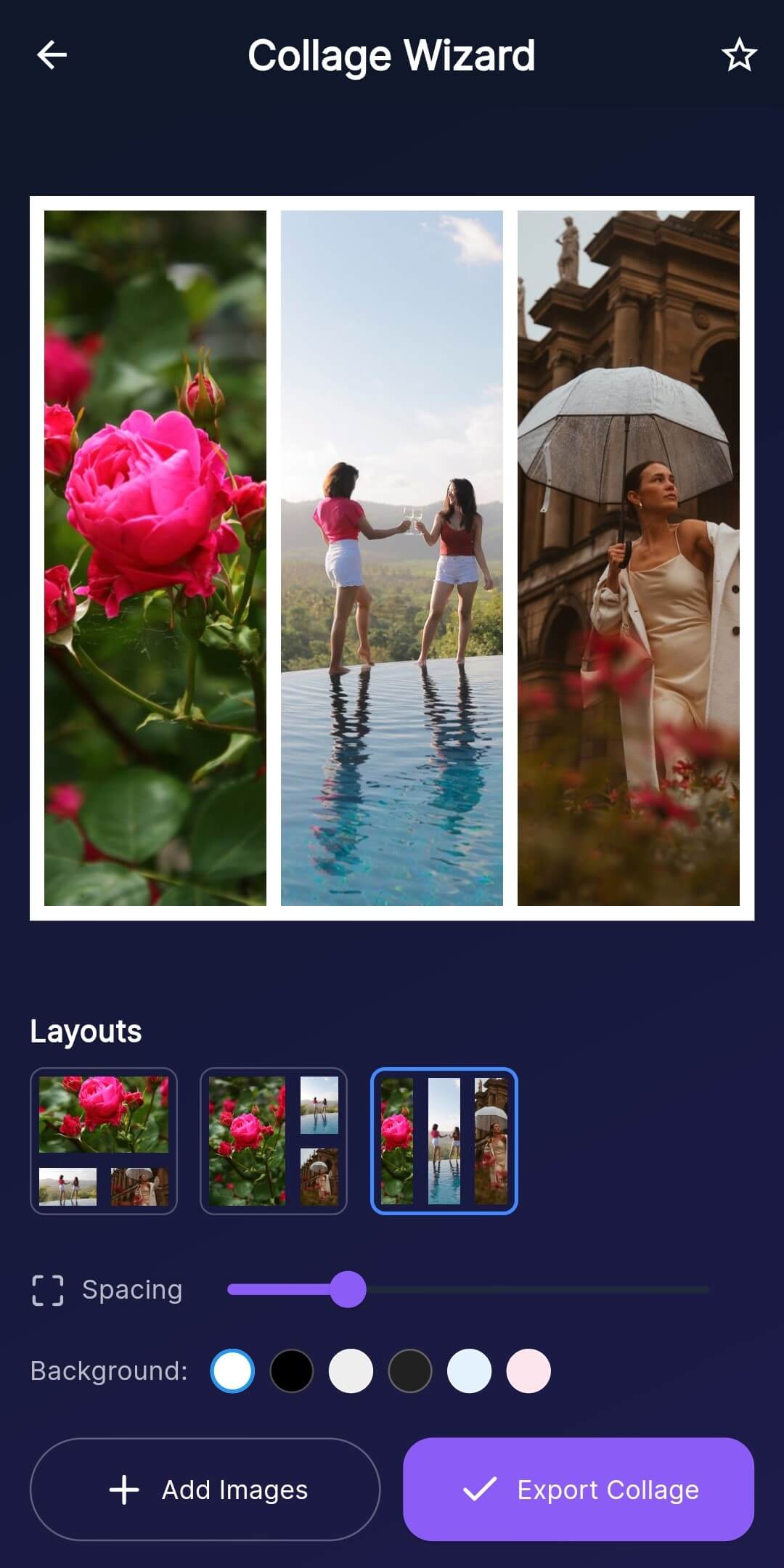
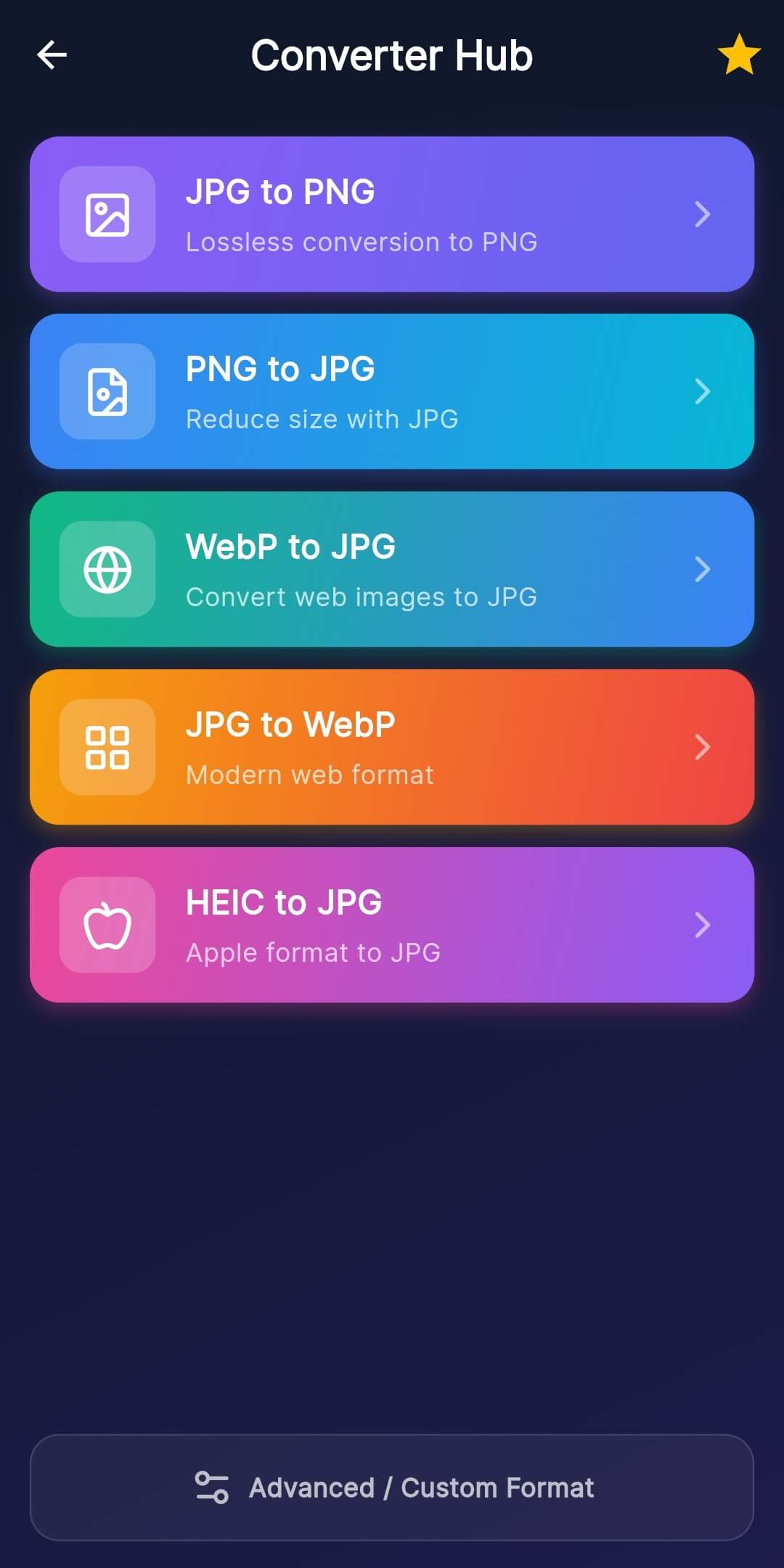

Smart Image Tools combines compression, conversion, cropping, watermarks, collage creation, metadata removal and batch photo operations in one Android app.
Yes. The Format Converter supports JPG, PNG and WebP. Choose the output format that matches your storage, compatibility and transparency needs.
The app page describes core compression, conversion and cropping as on-device operations. Optional AI enhancement, background removal and upscaling features can use cloud processing; review the privacy policy before using them.
Yes. Metadata & EXIF Privacy removes embedded information such as GPS coordinates and camera details from photos.
Yes. Bulk Processing applies supported operations to several selected images. Custom Watermarks lets you add a watermark to your work.
Email devdipweb@gmail.com with the app name, your device model and a description of the issue. Do not send passwords or sensitive files. The privacy policy explains how support messages are handled.